Skip to main content

Quick Summary: |
Nearly one in five AP invoices needs extra attention, Ardent Partners’ 2026 benchmark report says. That puts the average exception rate at 18.4%. In its survey, 49% of AP professionals cited approval delays as a challenge, while 48% cited invoice exceptions.
So what should you look for in AP automation software when exceptions and approval delays are holding up invoices?
Follow a flagged invoice from issue to resolution. For a PO-backed invoice, can the tool explain the mismatch against the purchase order or receipt? Can AP route it to the right person who resolves it, see its approval status, and keep a record of the decision? For non-PO invoices, check whether coding and approval stay in the same workflow.
This guide compares 10 AP automation tools by ERP fit and workflow capabilities, and explains which teams each tool suits.
Best AP Automation Software at a Glance
Use this overview table to see what each AP automation tool does and which teams it’s best suited for.
Tool | Overview | Best For |
|---|---|---|
MetaViewer | AP automation and document management for Business Central. Captures invoice lines, matches them to BC purchase orders and receipts, and supports non-PO coding | Mid-market manufacturers and distributors using Business Central, including teams in healthcare or agriculture |
Stampli | Keeps approver conversations attached to each invoice and includes Billy, its AI assistant. Supports more than 70 ERPs | Teams with many approvers outside finance |
AvidXchange | Combines AP automation with supplier payments through the AvidPay Network. Lists more than 200 integrations | US mid-market teams that want their AP provider to handle supplier payments |
Yooz | Cloud invoice processing with line-level PO matching. Pricing is based on document volume. Its Gold edition pricing plan includes unlimited users | Small and midsize teams looking for a quick start and free trial |
Rillion | AP automation with touchless 3-way matching and vendor payments. AI capture supports multi-entity workflows | Mid-sized teams using Dynamics 365, NetSuite, Sage, or SAP Business One |
Tipalti | Payables platform with mass payments to 200+ countries in 120 currencies. Procurement and expense tools are also available | Companies paying many suppliers or payees across borders |
Medius | Cloud AP and spend platform that keeps invoice workflows consistent across multiple ERPs | Mid-market and enterprise groups with multiple ERPs or entities |
Basware | Enterprise AP automation with an e-invoicing network and tax compliance coverage in more than 50 countries | Global enterprises facing e-invoicing mandates |
BILL | AP and bill-pay software for small and midsize businesses. Syncs with QuickBooks and other accounting systems | Small businesses and accounting-firm clients |
Ramp | Bill pay within a spend platform. Includes AI-assisted coding and line-item matching, with a free tier available | Small and fast-growing teams using systems such as NetSuite or QuickBooks |
Caption: AP automation tools and who they best suit for
Q: Can one AP platform handle both PO and non-PO invoices? |
The 10 Best AP Automation Software, Reviewed
In each review, we explain what the tool does, its main features, how it connects, and what to check during a demo.
1. MetaViewer
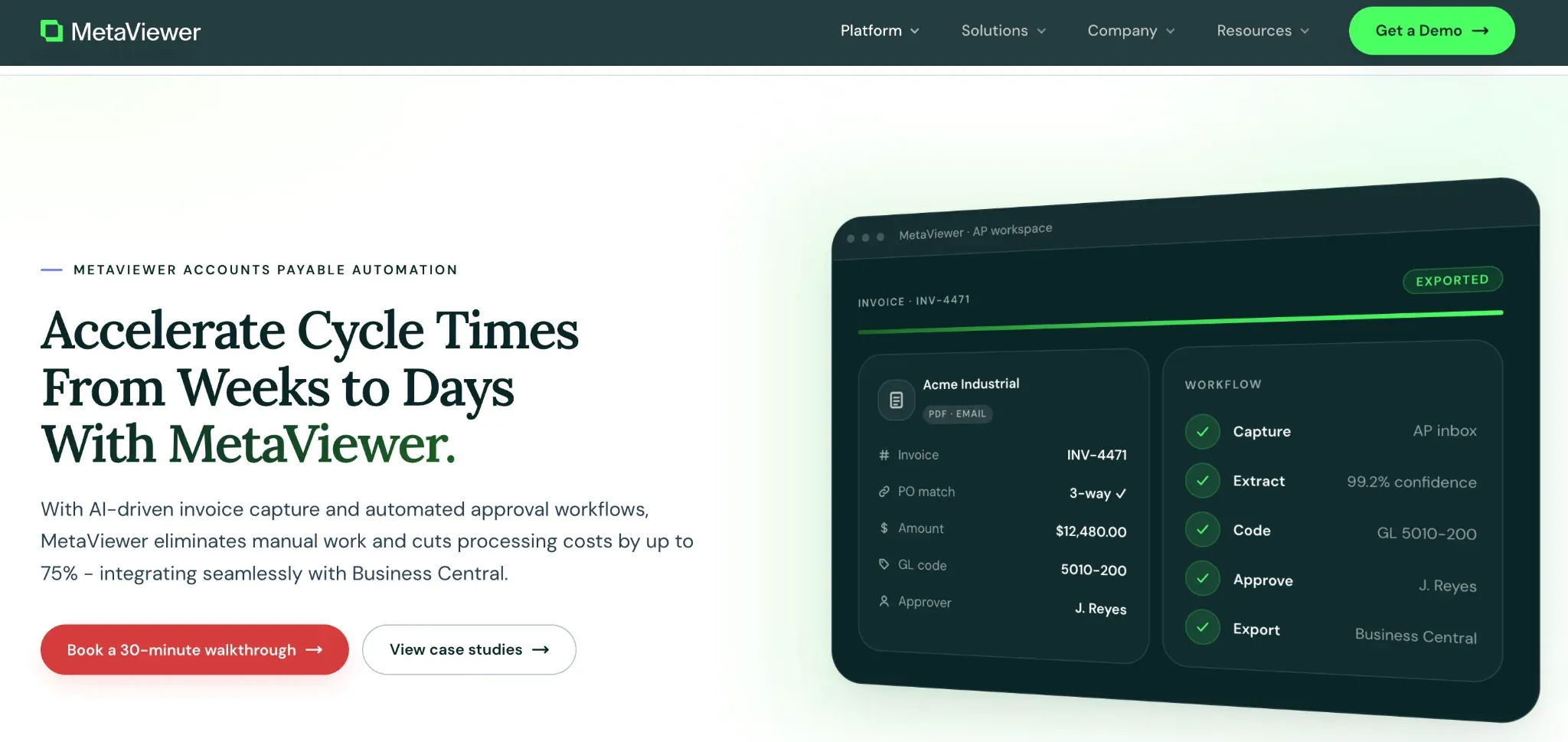
MetaViewer is our AP automation and document management platform for Business Central. It captures invoices, matches them to purchase orders and receipts, routes approvals, and stores records in one workflow that posts directly to Business Central.
By reducing manual work, we help teams cut invoice-processing costs by up to 75% and reduce processing time from weeks to days.
Key Capabilities of MetaViewer
- Code invoices without a purchase order: Our software suggests GL codes based on your past coding patterns and chart of accounts. That means your team spends less time on manually coding recurring bills.
- Route invoices to the right approver: Set approval rules based on vendor, amount, GL account, dimension, or entity. Add a delegate or backup approver when someone is away.
- Capture invoice details line by line: Our invoice capture software reads each invoice line and fills in details such as quantity and price. Your team reviews the invoice draft instead of typing each item into Business Central.
- Match invoices to Business Central records: With our platform, three-way matching checks invoice lines against purchase orders and receipts in Business Central. If a line doesn’t match, our tool flags it so your team can review and resolve it before posting. Because it uses Business Central’s data, you don't need to maintain a separate matching engine.
- See what needs to be accrued: Accrual reports show goods you’ve received but haven’t been invoiced for, along with approved invoices that still need to be posted.
- Locate documents and invoices easily: Our document management system links invoices, contracts, and other files to their Business Central records, making them easier to find during an audit.
- Pay suppliers without paper checks: With MetaPayments, our payment solution powered by Corpay, your team can pay suppliers by ACH or virtual card through the AP workflow.
How Leeco Steel Reduced Its Received-Not-Invoiced Balance From $8M to $1M |
Integrations Available in MetaViewer
Our platform connects natively with Acumatica and Microsoft Dynamics. On the Dynamics side, that includes Business Central, GP, and Finance and Operations. Our Business Central integration is Microsoft AppSource-certified and syncs in real time.
If you use another ERP, we can connect it to MetaViewer through MetaConnect.
When MetaViewer Is Not the Right Fit
We built our platforms for mid-market AP teams with high invoice volumes or complex approval workflows. If your team handles few invoices and has a simple process, a lighter tool may be enough.
Q: How much does MetaViewer cost? |
2. Stampli
Stampli puts the whole invoice conversation inside the invoice itself. Approvers in operations or project teams comment, ask questions, and sign off in one place.
Key Capabilities of Stampli
- Smart invoice capture: Uses its own AI to read invoice details instantly and suggest GL codes based on your history.
- Invoice-centric communication: Places a live chat box directly inside each invoice screen so team members can talk to vendors and teammates right where the data lives.
- Three-way matching: Automatically compares incoming invoices against purchase orders and receipts to spot errors before approval.
- Integrated payment execution: Uses Stampli Direct Pay and Stampli Card to execute B2B disbursements via ACH, check, or credit card natively from the approval interface.
Integrations Available in Stampli
Stampli can integrate with more than 70 ERP systems, including Business Central, Dynamics 365 Finance, Dynamics GP, NetSuite, Sage Intacct, SAP S/4HANA, Acumatica, and QuickBooks.
When Stampli Is Not the Right Fit
Stampli may not be the right fit for teams that need 1099 e-filing or tax withholding built into their AP workflow. It can collect W-9s and store vendor tax information, but those teams should specify whether they’ll need a separate tax service.
3. AvidXchange
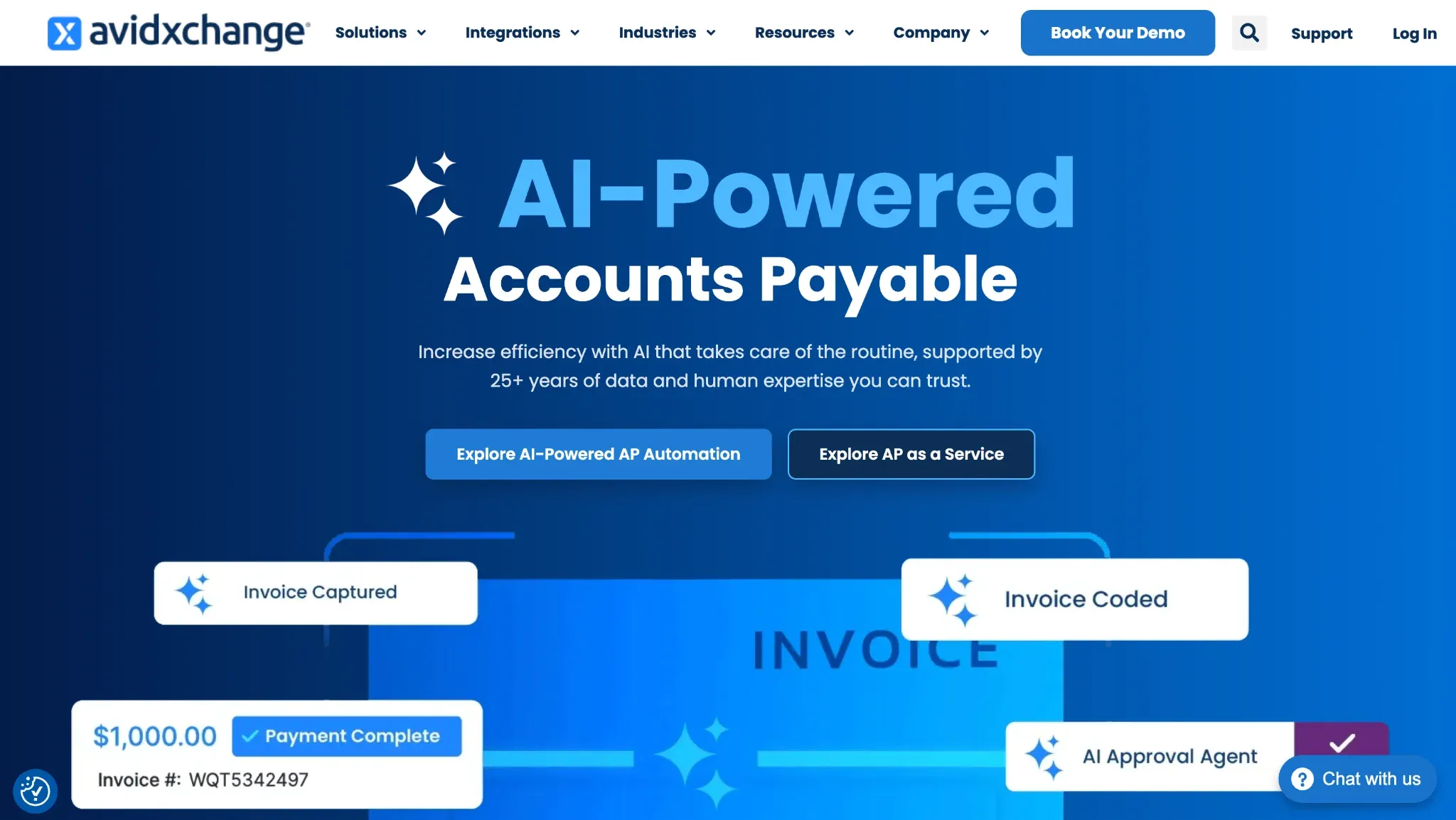
AvidXchange pairs AP automation with its own supplier payment network. Mid-market finance teams use it to process invoices and pay vendors without touching paper.
Key Capabilities of AvidXchange
- Integrated payment execution: Uses AvidPay to natively execute B2B disbursements via ACH, check, or virtual card directly from the approval screen.
- Vendor management services: Includes a dedicated team that contacts your suppliers to find out how they prefer to be paid (e.g., check vs. direct deposit).
- Automated invoice capture: Uses AI and human review to accurately read invoice details, reducing manual data-entry errors.
- Flexible approval routing: Automatically routes invoices to the right managers for digital sign-off based on your company rules.
Integrations Available in AvidXchange
The platform supports more than 200 integrations, including NetSuite, QuickBooks, Sage, and Acumatica. It also supports API integrations for BC and GP.
When AvidXchange Is Not the Right Fit
AvidXchange focuses heavily on the US and Canadian banking systems for its automated supplier payment network. If your company works with a high volume of international suppliers and needs to execute cross-border wire transfers in multiple foreign currencies natively, AvidXchange is not the right choice.
4. Yooz
Yooz automates invoice processing from capture through approval and ERP export. Its Gold edition is priced by document volume and includes unlimited users, helping teams add approvers without increasing per-user costs.
Key Capabilities of Yooz
- Automated invoice capture: Uses AI to extract invoice details and supports coding to reduce manual data entry.
- Line-level PO matching: Matches invoice lines against purchase orders and helps AP identify discrepancies.
- Approval workflows: Routes invoices for review and approval based on your process.
- ERP export: Sends approved invoice data to the connected accounting system.
Integrations Available in Yooz
Yooz can connect to Microsoft Dynamics, NetSuite, Acumatica, Sage Intacct, QuickBooks and many more.
When Yooz Is Not the Right Fit
If your AP workflow depends on a specific ERP integration, for example, a particular PO-matching process or invoice-image transfer, Yooz may not be the right fit unless its connector supports that requirement. In that case, look for a platform with a confirmed integration for that workflow.
5. Rillion
Rillion focuses on AP automation and vendor payments for mid-sized and large organizations. Teams use it to take invoices from capture to payment with less chasing.
Key Capabilities of Rillion
- Advanced PO matching: Automatically cross-references invoices with purchase orders and goods receipts, highlighting any variances.
- Searchable archive: Stores all past invoices in a secure cloud repository, making it easy to search, audit, and retrieve old documents instantly.
- AI data capture: Automatically reads invoice details at the header and line levels, eliminating manual data entry.
- Automatic coding and rules: Remembers how you coded past invoices and applies the same dimensions automatically based on your vendor rules.
Integrations Available in Rillion
Rillion lists integrations for Dynamics 365 Finance, Business Central, NetSuite, Sage X3, Sage Intacct, and SAP Business One. Its multi-entity features let one team work across several companies and ERPs.
When Rillion Is Not the Right Fit
If your company processes massive, complex purchase orders, such as freight bills, retail inventory with hundreds of line items, or variable utility bills, Rillion's matching engine can struggle.
6. Tipalti
Tipalti brings supplier setup into the AP process. Suppliers enter their payment and tax details through a self-service portal, and AP can route their invoices for approval before payment. This can help when cross-border payments or tax paperwork add extra steps to paying suppliers.
Key Features of Tipalti
- Supplier onboarding: Collects supplier information and payment details through a self-service portal.
- Tax and global payments: Supports W-9 and W-8 collection alongside international supplier payments. Availability depends on the selected package.
- Invoice capture: Extracts invoice data from submitted documents to reduce manual entry.
- PO matching: Supports two-way and three-way matching, highlighting discrepancies for review.
- Approval workflows: Routes invoices to approvers using configurable rules.
Integrations Available in Tipalti
Tipalti integrates with NetSuite, Business Central, Dynamics GP, and SAP Business One, among other systems. Its NetSuite connection synchronizes supplier records, purchase orders, invoices, payments, and accounting data, while NetSuite remains the financial system of record.
When Tipalti Is Not the Right Fit
Tipalti may not be the best fit if your vendors are unwilling to complete self-service onboarding. When required payment or tax details are missing, Tipalti can mark a payee as unpayable, so payment waits while your AP team follows up.
7. Medius
Medius connects to Dynamics 365 through its cloud platform. AP teams manage invoices in Medius while the system handles matching in the background.
Key Capabilities of Medius
- Touchless processing: Routes non-PO invoices through automated approval chains based on cost center, project, or organizational hierarchy.
- Integrated payment execution: Medius Pay natively executes B2B disbursements via ACH, check, or virtual card directly from the approval screen.
- Autonomous invoice capture: Medius uses AI to read header and line-level data without templates, automatically pushing verified data into the workflow.
- Advanced PO matching: Automatically matches multi-line invoices to POs and goods receipts, handling price and quantity variances using predefined tolerance rules.
Integrations Available in Medius
Medius provides pre-built cloud connectors for Dynamics 365 Finance & Operations and Business Central. Workflows run securely in the cloud and sync approved financial data back to your ERP general ledger.
When Medius Is Not the Right Fit
Medius operates completely outside the ERP interface in its own cloud environment. If your team strictly requires an AP automation tool that sits natively inside your Dynamics screens without an external login, Medius is not the right choice.
8. Basware
Basware runs invoice processing in its cloud AP platform and can integrate with Dynamics 365. It matches invoices against purchase orders and goods receipts before sending the processed data to the ERP; the integration may require configuration for your setup.
Key Capabilities of Basware
- Flexible matching: Invoices can be matched to POs, goods receipts, and contracts at line or header level.
- Non-PO automation: Spend plans and AI coding handle invoices without a purchase order.
- E-invoicing network: Basware sends and receives e-invoices and supports tax compliance in over 50 countries.
- SmartPDF capture: PDF invoices are captured in a structured way to reduce manual checks.
Integrations Available in Basware
Basware integrates with over 250 ERP systems (including SAP, Oracle, and Microsoft Dynamics), supported by 220+ network interoperability partners, open APIs, and pre-built certified connectors.
When Basware Is Not the Right Fit
Basware is complex. It requires dedicated training for both finance administrators and general users approving invoices. If your priority is a minimalist, modern, consumer-grade user interface that requires zero training, lighter alternatives will serve you better.
9. BILL
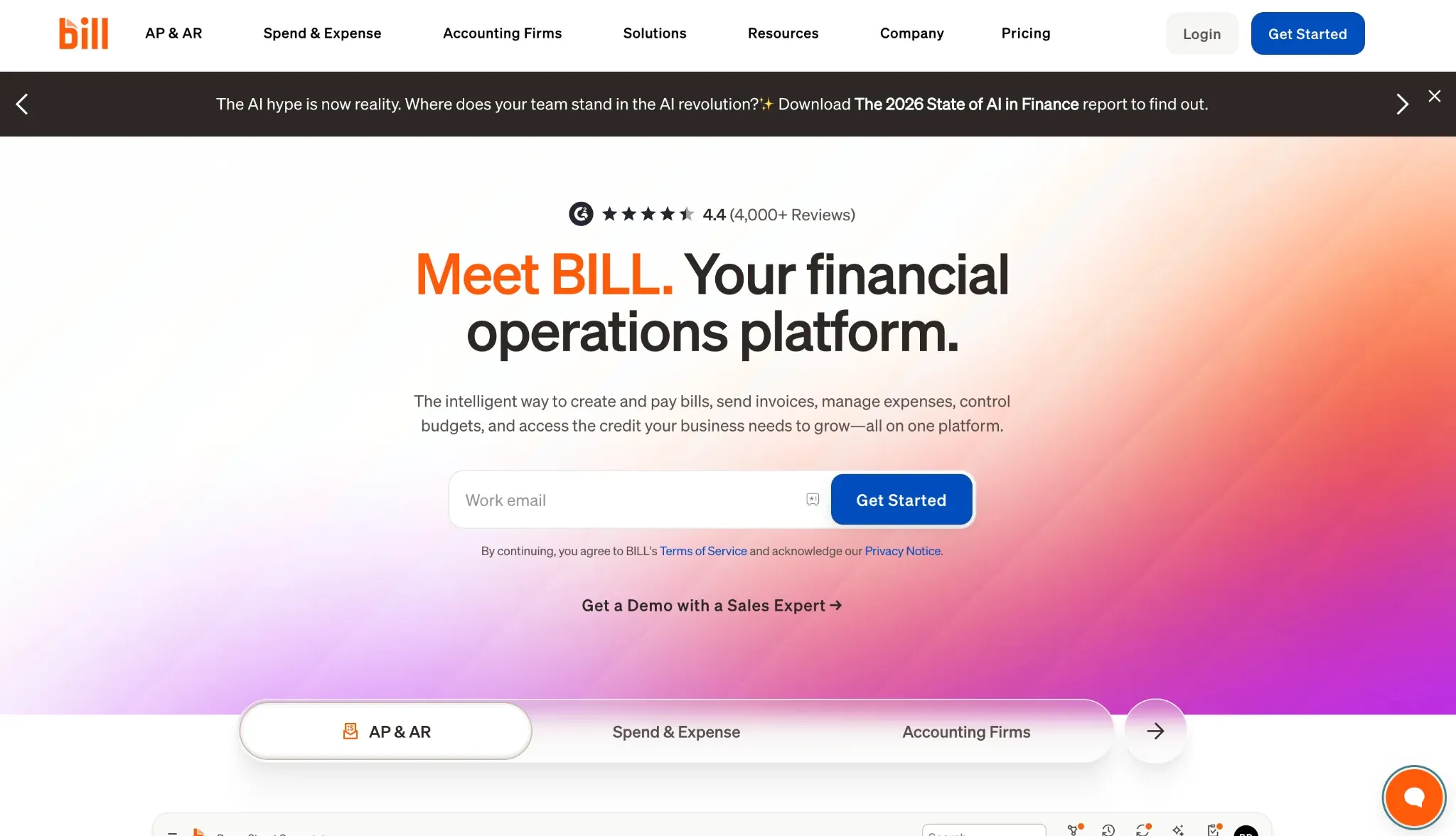
BILL is accounts payable software for small and midsize businesses. It gives finance teams a place to review invoices and manage approvals before paying suppliers.
Key Capabilities of BILL
- Invoice capture: Captures invoice details and digitizes them for AP review.
- Approval workflows: Routes bills according to your approval policies and tracks them through sign-off.
- PO matching: Compares bills with purchase orders to help AP check them before payment.
- Supplier payments: Supports payments by ACH, virtual card, check, and international wire. Source
Integrations Available in BILL
BILL features native two-way data syncs and integrations with major accounting software, Enterprise Resource Planning (ERP) systems, and productivity platforms to automate accounts payable, accounts receivable, and expense management.
When BILL Is Not the Right Fit
BILL is not the right fit if your business requires immediate payouts. The platform's standard processing rules introduce clearing delays of 2 to 4 business days, making it slower than other tools on the market. Additionally, unexpected compliance freezes and strict verification hold-ups can abruptly lock up your cash flow when you need fast access to capital.
10. Ramp
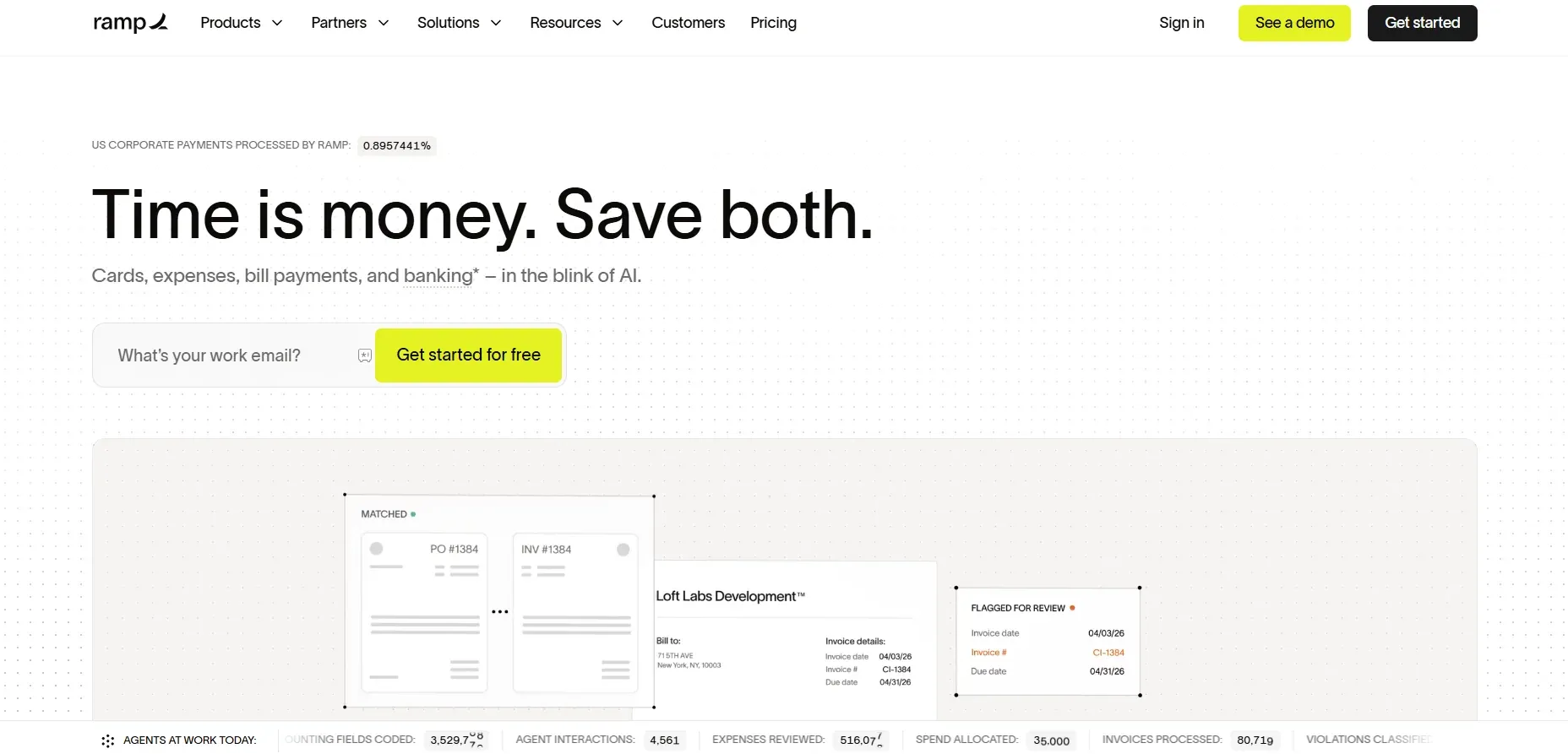
Ramp is a financial operations and spend management platform. It gives finance teams one place to oversee company spending, from employee expenses to procurement. Ramp suits businesses that want to manage broader financial workflows in one system.
Key Capabilities of Ramp
- Corporate cards: Issues physical and virtual cards with granular spending controls.
- Expense automation: Automates expense submission, receipt matching, policy enforcement, and approvals.
- Accounts payable: Automates bill processing and vendor payments.
- Procurement: Supports purchase orders, approval workflows, vendor management, and spend tracking.
Integrations Available in Ramp
Ramp integrates with over 200 platforms, including NetSuite, QuickBooks Online, Xero, Sage Intacct, Workday, Rippling, and Slack, to automatically sync transactions, expense data, and employee directories in real time. It eliminates manual data entry, automates expense coding, and offers a custom API for bespoke corporate workflows.
When Ramp Is Not the Right Fit
Ramp is not the right fit for enterprise-level or high-complexity accounts payable (AP) operations that require heavy-duty vendor infrastructure, global compliance tracking, or high-volume programmatic payouts.
What Each AP Automation Tool Can Actually Do
We reviewed each vendor’s product information to see how its software matches and codes invoices and handles payments. Use the table to compare the details.
Tool | ERPs Named by Vendor (Sample) | PO Matching | Non-PO Coding | Vendor Payments |
|---|---|---|---|---|
MetaViewer | Microsoft Dynamics (BC, GP, F&O), Acumatica | 3-way, line-level | Yes, from vendor history | Yes, MetaPayments |
Stampli | 70+ ERPs (incl. BC, GP, NetSuite, SAP) | 2- and 3-way, line updates | AI coding (Billy) | Add-on (Direct Pay) |
AvidXchange | 200+ (incl. BC, GP, NetSuite, Yardi, Sage) | 2- and 3-way, AI line-item match | Yes, AI-automated coding | Yes, AvidPay Network |
Yooz | 250+ (incl. Dynamics, NetSuite) | 3-way, AI Line-level | AI invoice allocation | Yes, YoozPay |
Rillion | D365 Finance, BC, NetSuite, Sage | Touchless 3-way | Automated account coding | Yes, one-click |
Tipalti | NetSuite, GP, BC, Sage, QuickBooks | 2- and 3-way | Yes, AI-driven SmartCode | Yes, 200+ countries |
Medius | Dynamics, NetSuite, Oracle, SAP, Infor | AI-driven 2- & 3-way, line-level | Advanced AI coding & routing | Yes, Medius Pay |
Basware | 250+ ERPs | Line or header level | Spend plans and AI coding | No direct fulfillment (generates files/AP audit) |
BILL | QuickBooks, Xero, NetSuite, Intacct, Sage | AI-powered 2- and 3-way matching | Yes, AI automated data extraction | ACH, card, check, international wire |
Ramp | NetSuite, QuickBooks, Sage Intacct | 2- and 3-way, line items | AI agent coding | ACH, card, check, wire |
Caption: AP automation capabilities by tool
Best AP Automation Software by Company Size
Company size changes what "best" means. Use this table to see which capabilities matter at your scale.
Company Size | What to Look For | Platforms to Consider |
|---|---|---|
Small Teams (1–3 AP staff) | Fast setup, published transparent pricing, bill pay by ACH/card, tight sync with SMB accounting systems (QuickBooks, Xero) | BILL, Ramp, Yooz |
Mid-Market (Growing finance teams) | Native ERP connectors, automated non-PO coding, granular approval workflows by entity/dimension, and line-level PO matching | MetaViewer, Stampli, AvidXchange, Rillion, Yooz |
Enterprise & Multi-Entity (High volume/Global) | Multi-ERP or legacy system workflows, global multi-currency payments, international e-invoicing compliance, deep procurement links | MetaViewer, Medius, Basware, Tipalti, Stampli |
Caption: Where each leading tool fits by organizational scale and operational complexity
Manufacturers often have extra matching needs. You especially need invoice matching that can handle raw materials and large purchase orders.
Our guide to AP automation for manufacturing covers how different platforms handle these invoices and integrate with manufacturing ERP systems.
How to Choose AP Automation Software: A Procurement Checklist
Before booking vendor demos, use this checklist to evaluate platforms and ensure the vendor you choose answers all these questions.
Phase 1: Core System Architecture & Volume Tracking
- Confirm ERP integration readiness
Map your current ERP version and any future migration plans. Ensure the vendor provides a native, bidirectional connector for both states.
- Analyze invoice volume splits
Calculate your exact monthly PO vs. non-PO invoice volume. High non-PO volume means AI-driven GL coding automation must be your top software priority.
- Define your payment workflow
Decide between native in-tool payment fulfillment and your existing bank portal. This alignment determines whether a vendor's payment rail features matter in your final scoring matrix.
Phase 2: Stress-Testing & Workflow Customization
- Run a 20-invoice stress test
Gather 20 of your most complex historical invoices. Include multi-line POs, credit memos, partial receipts, and non-PO bills to watch exactly how the software flags and resolves discrepancies during live demos.
- Map the approval routing matrix
Document your multi-entity approval workflows. List authorized approvers by dollar amount, entity, department, and GL account, ensuring the system supports out-of-office delegation.
- Evaluate security and internal controls
Verify who can modify vendor banking details. Mandate dual-authorization workflows and a tamper-proof audit trail history to mitigate B2B payment fraud.
Phase 3: Vendor Evaluation & Total Cost of Ownership (TCO)
- Review compliance audit exports
Request a native audit trail export sample. Confirm that an external auditor can easily trace an invoice from ingestion to final ledger posting.
- Secure transparent pricing models
Get all software and transactional fee tiers in writing. Ask explicitly how pricing scales as user seats, invoice volumes, and subsidiary entities increase.
- Standardize the scorecard
Build a 1-to-5 scoring system for your AP team. Score each platform immediately post-demo while details are fresh, and mandate two customer references operating on your exact ERP platform before signing.
Find the Right AP Automation Software for Your Team
The right AP automation software fits your ERP, handles your hardest invoices, and gives your controller a clean audit trail. Start there, and the shortlist gets short quickly. Small teams can move fast with bill-pay tools. Global groups need payments and e-invoicing reach. Mid-market ERP teams should weigh matching depth and non-PO coding above everything else.
If you run Business Central, we built MetaViewer for your team. It matches invoice lines to your POs and receipts, codes non-PO bills, and keeps every document audit-ready.
Book a demo and bring your messiest invoices. Ask us to show how each one gets matched, coded, and approved.
FAQs
What's the difference between AP automation and ERP-native AP?
ERP-native AP records invoices and payments inside your ERP, and newer releases add AI capture. Dedicated AP automation adds exception handling, flexible approvals, non-PO coding, supplier self-service, and fuller audit trails. Many teams use both together, with the AP tool posting approved invoices into the ERP.
How long does AP automation take to implement?
It depends on your ERP, entities, and approval rules. Stampli, for example, states that it deploys in weeks. Ask each vendor for a timeline based on your invoice volume and integrations, and get it in writing. Plan time to clean up your vendor master before go-live.
Does AP automation help prevent payment fraud?
It can reduce risk. Look for duplicate invoice detection, bank-detail verification, dual approval on vendor changes, and a logged audit trail. Fraud controls still depend on your team following the process. The AFP's 2026 survey found checks were the payment method most frequently hit by fraud, so moving vendors to electronic payments can help too.
Is AP automation worth it for small teams?
Usually, manual entry and approval chasing take hours each week. Count the hours your team spends on keying, chasing, and vendor calls for one month first. Small teams can start with lower-cost tools like BILL or Ramp and move to an ERP-centered platform as volume grows.
Is MetaViewer available in the cloud or on-premises?
MetaViewer offers both cloud and on-premises deployment, so you can choose the option that fits your company’s IT requirements.