Skip to main content

Quick Summary: |
In October 2026, Microsoft improved its purchase order matching in Business Central’s Payables Agent. This feature was part of its release wave 2. Now, the agent can read emailed invoice PDFs, identify the vendor, suggest invoice details, and match invoice lines to purchase orders and receipts on its own. It can also find a match when the invoice lacks a clear PO reference. This takes much of the manual work off AP teams’ hands.
Your work is to manage approval workflows, exceptions that need review, vendor questions, and records for month-end and audits. Ultimately, when we compare AP tools in the market, we look at these tasks alongside invoice capture.
Your ERP matters too. Microsoft’s July 2026 migration guidance says extended support for Dynamics NAV ends in January 2028 and Dynamics GP availability ends on April 30, 2031. An AP tool you choose today should work with the Dynamics version you plan to use after migration.
In this guide, we compare 10 tools and explain how they support different Dynamics versions.
We recommend evaluating each tool on four practical needs: handling exceptions and non-PO coding, routing approvals across entities, controlling vendor bank-detail changes, and maintaining a clear audit trail.
Best AP Automation for Microsoft Dynamics at a Glance
All 10 tools below connect to Microsoft Dynamics, but each suits different Dynamics versions and team sizes.
Use the table to find your two or three closest matches, and read about them in detail.
Tool | Overview | Best For |
|---|---|---|
MetaViewer | AI-powered AP automation and document management from Metafile. Matches invoice lines to purchase orders and receipts, and codes non-PO invoices in Business Central | Mid-market organizations in manufacturing, distribution, healthcare, and agriculture that use Business Central |
ExFlow | AP automation from SignUp Software, built into Business Central and Finance & Operations | Teams that want to process invoices inside Dynamics |
Medius | Cloud AP automation with AI invoice capture and configurable approval workflows, connected to Dynamics 365 through an extension | Mid-market and enterprise teams with complex, multi-entity approval structures |
Kefron | Invoice capture, coding, matching, and routing, with direct API integration to Business Central | Multi-company Business Central teams handling multiple currencies and international invoices |
Continia | Business Central extension for AP automation and e-invoicing, with a certified Peppol access point | Business Central teams managing e-invoicing requirements while still receiving PDF and paper invoices |
AvidXchange | Invoice and payment automation with API integrations to Business Central and GP, plus file-based support for older Dynamics versions | Mid-market companies seeking one payment provider, with unlimited users and approvers |
Stampli | Collaborative AP with invoice-level approver and vendor conversations, with prebuilt Dynamics integrations | Teams with many non-finance approvers who need quick adoption |
Rillion | Standalone AP automation with a Microsoft-certified AppSource integration for Business Central and real-time data sharing | Multi-company Business Central teams that want a dedicated AP platform alongside their ERP |
Basware | Enterprise AP automation with its own compliant e-invoicing network and partner plugin for Dynamics 365 F&O | Global enterprises managing e-invoicing requirements across multiple countries |
Esker | AI-driven AP automation with wider procure-to-pay suite, with prebuilt F&O and Business Central connectors | Enterprise F&O teams who want AP and procurement automation from one vendor |
Caption: Table comparing Microsoft Dynamics AP automation tools by features and best fit
Q: Which AP automation software is the best? |
Business Central’s Payables Agent can now match invoices to purchase orders. Before comparing other tools, let’s look at what Dynamics already does on its own.
What Microsoft Dynamics Automates Natively, and Where It Stops
Business Central and Finance handle invoice processing differently. Business Central uses Payables Agent, while Finance uses Invoice Capture, which includes 100 capture transactions per tenant each month.
The table shows what each product covers and where teams may need more capacity or another AP tool.
Dynamics Product | Built In | Where Teams Still Add a Tool |
|---|---|---|
Business Central | Payables Agent reads emailed PDFs and proposes PO lines | Managed supplier payments, line-level matching across tolerances, rebate income and invoices outside the monitored mailbox |
Finance and F&O | Invoice capture turns invoice images into vendor invoice records | Volume above the monthly allowance and users without a full Finance license |
GP and NAV | Core payables entry and posting | NAV extended support ends in January 2028, and GP availability ends in April 2031, so new AP tooling should also support Business Central |
Caption: Microsoft Dynamics AP automation features and challenges by product
The 10 Best AP Automation Tools for Microsoft Dynamics, Reviewed
In each review, we explain what the tool does, its main features, which Dynamics products it supports, how it connects, and what to check during a demo.
1. MetaViewer
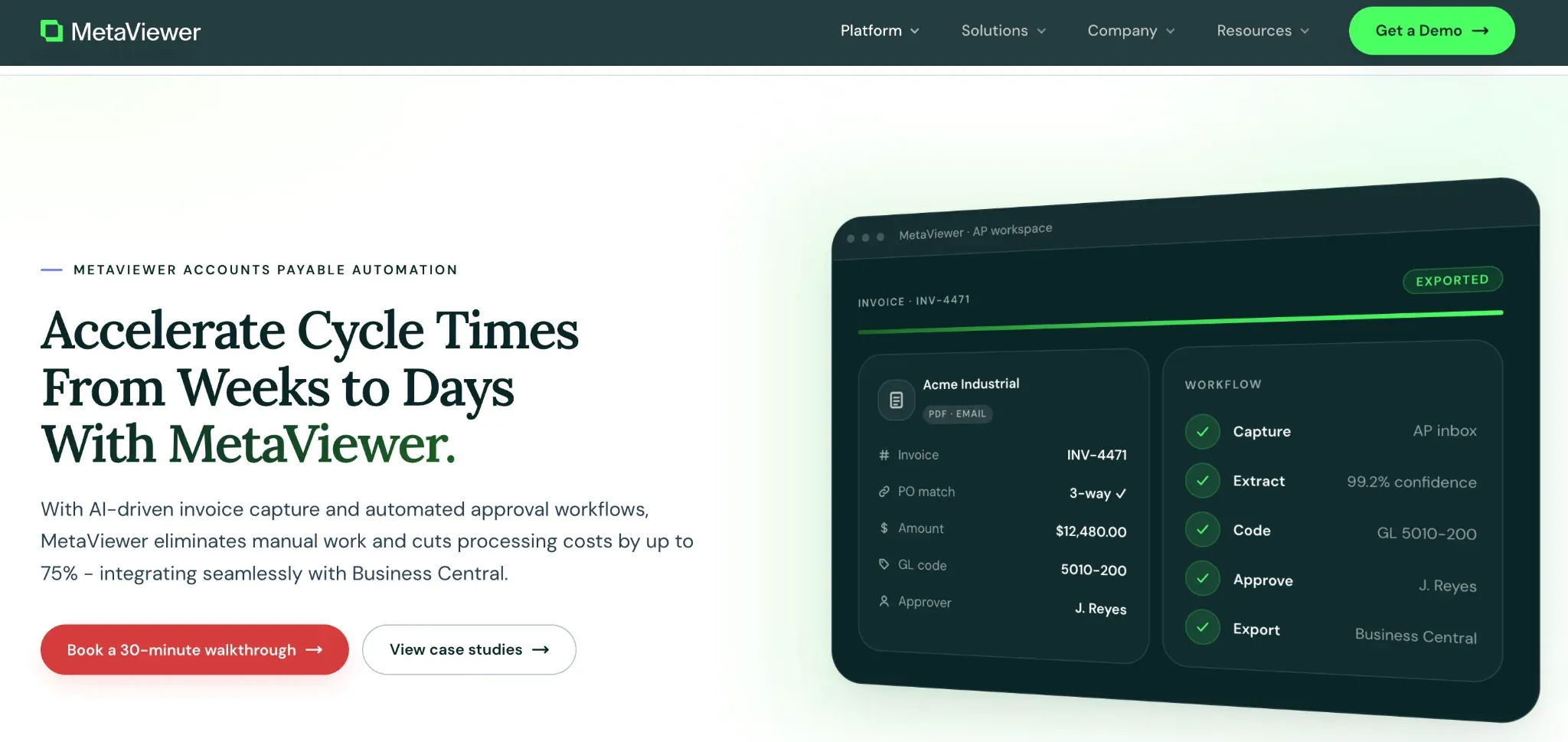
MetaViewer is our AP automation software for Business Central. We automate invoice capture and approvals to reduce manual work. With MetaViewer, teams can cut processing costs by up to 75% and reduce processing time from weeks to days.
Key Capabilities of Metaviewer
- Capture invoice details line by line: Our invoice capture software reads each invoice line and fills in details such as quantity and price. Your team reviews the invoice draft instead of typing each item into Business Central.
- Match invoices to Business Central records: Our three-way matching checks invoice lines against purchase orders and receipts in Business Central. If a line doesn’t match, our tool flags it so your team can review and resolve it before posting. Because it uses Business Central’s data, you don't need to maintain a separate matching engine.
- Code invoices without a purchase order: MetaViewer suggests GL codes based on your past coding patterns and chart of accounts. That means your team spends less time on manually coding recurring bills.
- Route invoices to the right approver: Set approval rules based on vendor, amount, GL account, dimension, or entity. Add a delegate or backup approver when someone is away.
- See what needs to be accrued: Our accrual reports show goods you’ve received but haven’t been invoiced for, along with approved invoices that still need to be posted.
- Locate documents and invoices easily: Our document management system links invoices, contracts, and other files to their Business Central records, making them easier to find during an audit.
- Pay suppliers without paper checks: With MetaPayments, our payment solution powered by Corpay, your team can pay suppliers by ACH or virtual card through the AP workflow.
How Ohio Masonic Home Cut AP Processing Time by 75% |
Dynamics Fit
Our platform connects natively with Acumatica and Microsoft Dynamics. On the Dynamics side, that includes Business Central, GP, and Finance and Operations.
If you use a different ERP, we can connect it to our platform through MetaConnect.
When Metaviewer Is Not the Right Fit
We built our platforms for mid-market AP teams with high invoice volumes or complex approval workflows. If your team handles few invoices and has a simple process, a lighter tool may be enough.
Q: How much does MetaViewer cost? |
2. ExFlow
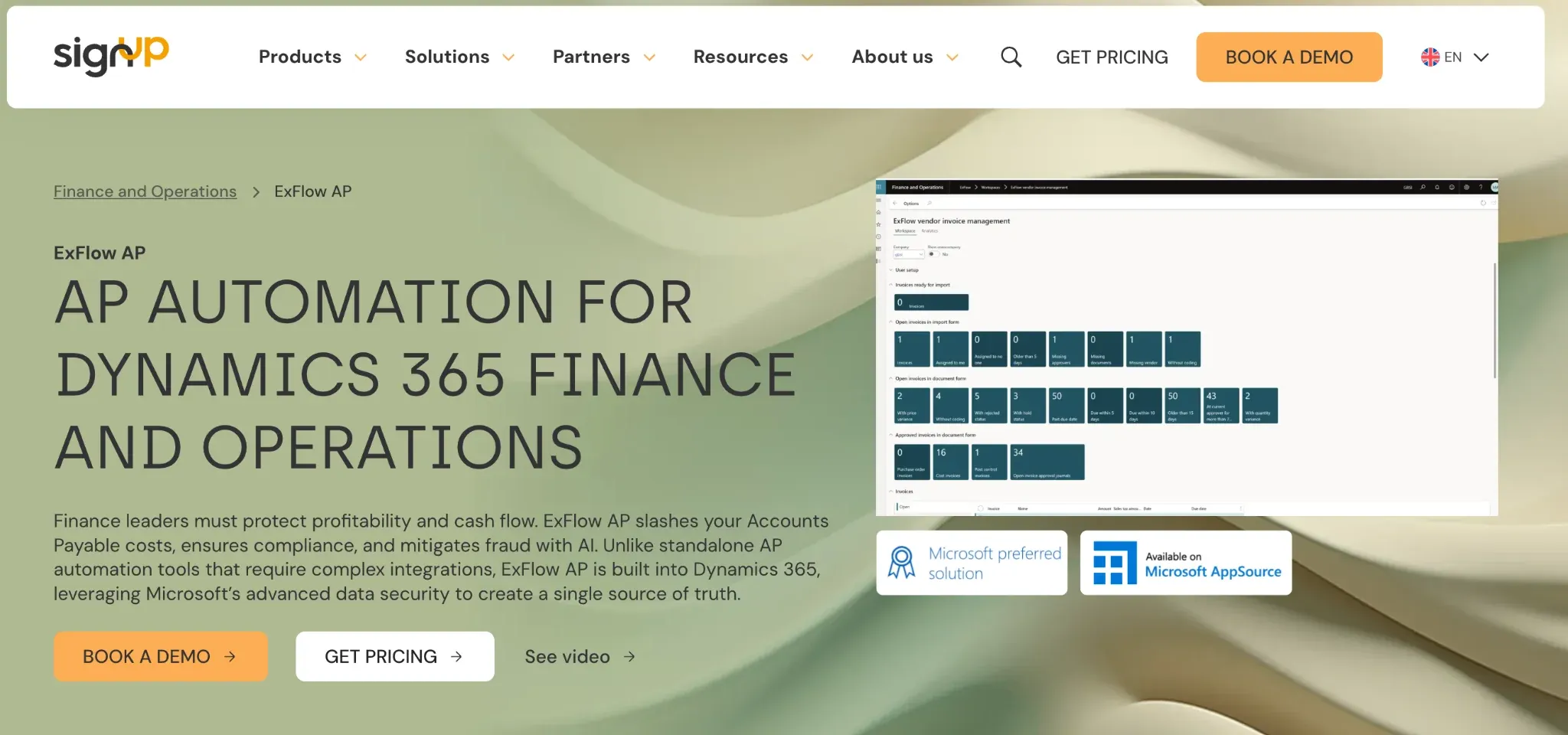
ExFlow, from SignUp Software, runs inside Dynamics 365 directly. That way, teams work in Dynamics screens they already know, while approvers use a web app.
Key Capabilities of ExFlow
- Invoice capture: ExFlow Data Capture reads header and line details, including PO numbers, and sends them to ExFlow AP.
- Fraud checks and coding: Checks each imported invoice for fraud and pre-codes it using your existing dimensions.
- PO matching: Matches invoices with purchase orders and goods receipts at the header or line level, with configurable tolerances.
- Invoice approvals: ExFlow Approval Web supports desktop and mobile approvals, including line-level approval.
Dynamics Fit
ExFlow offers AP automation within Business Central and Finance and Operations. Its workflows cover invoice capture through approval and posting.
When ExFlow May Not Be the Right Fit
ExFlow handles invoice capture, coding, matching, and approvals in Dynamics, but it doesn't natively execute supplier payments.
If you need an end-to-end invoice-to-pay workflow where disbursements and approvals live in the same tool, ExFlow is not the right choice.
A platform with built-in payment execution may be a better fit.
Q: Which software can approve an invoice and pay the vendor at the same time? |
3. Medius
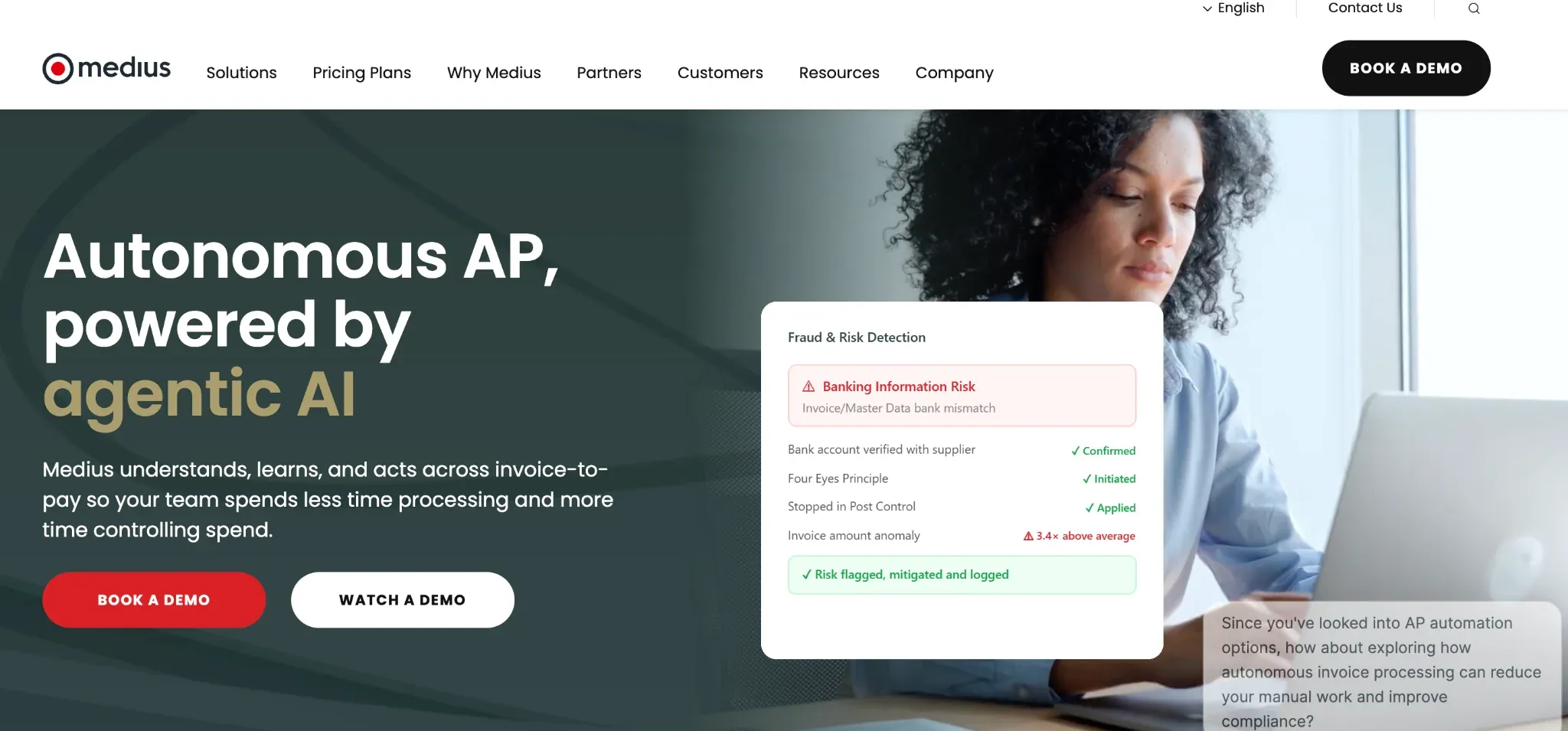
Medius runs as a standalone cloud platform that connects to Dynamics 365. This lets AP teams manage invoices in a dedicated, external interface while the software handles complex matching in the background.
Key Capabilities of Medius
- Autonomous invoice capture: Medius uses AI to read header and line-level data without templates, automatically pushing verified data into the workflow.
- Advanced PO matching: Automatically matches multi-line invoices to POs and goods receipts, handling price and quantity variances using predefined tolerance rules.
- Touchless processing: Routes non-PO invoices through automated approval chains based on cost center, project, or organizational hierarchy.
- Integrated payment execution: Medius Pay natively executes B2B disbursements via ACH, check, or virtual card directly from the approval screen.
Dynamics Fit
Medius provides pre-built cloud connectors for Dynamics 365 Finance & Operations and Business Central. Workflows run securely in the cloud and sync approved financial data back to your ERP general ledger.
When Medius May Not Be the Right Fit
Medius operates completely outside the ERP interface in its own cloud environment. If your team strictly requires an AP automation tool that sits natively inside your Dynamics screens without an external login, Medius is not the right choice.
4. Kefron
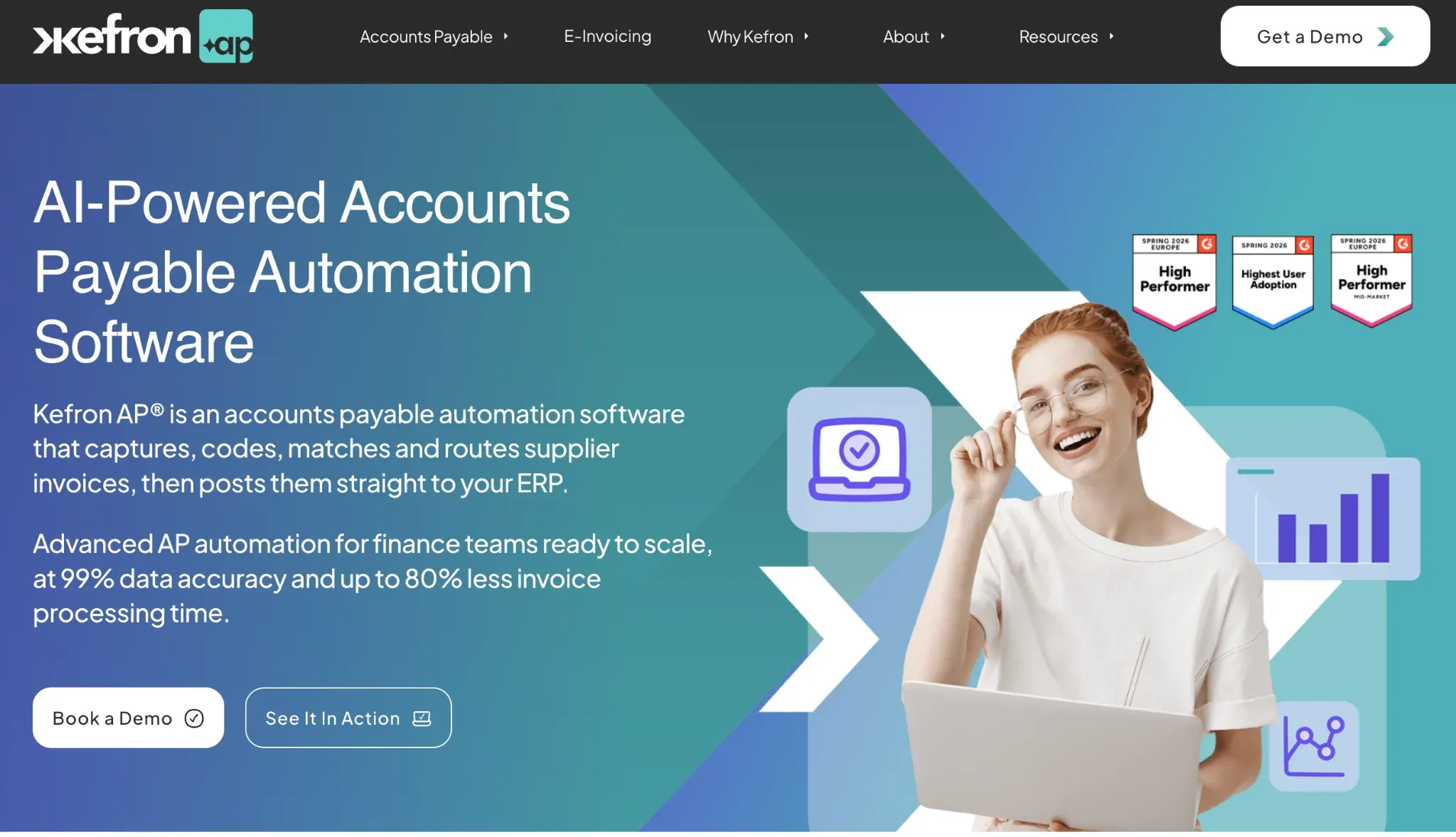
Kefron AP has finance customers on both sides of the Atlantic, in private and public sectors. It runs alongside Business Central and keeps BC as the system of record.
Key Capabilities of Kefron
- Smart invoice capture: Kefron uses AI to read invoice data automatically, extracting headers and lines without manual entry.
- Automated coding: Suggests general ledger (GL) codes automatically based on your past history and vendor rules.
- PO matching: Matches invoices to purchase orders and goods receipts and flags any price or quantity differences.
- Easy approval workflows: Routes invoices to managers via email or a simple web portal for quick sign-offs.
Dynamics Fit
Kefron uses built-in cloud connectors to sync seamlessly with Dynamics 365 Finance & Operations and Business Central.
When Kefron May Not Be the Right Fit
Kefron acts as an invoice capture and approval system but does not natively execute supplier bank payments. If you need an end-to-end tool that physically sends money to vendors (via ACH, check, or wire) directly from the invoice screen, Kefron is not the right choice.
5. Continia
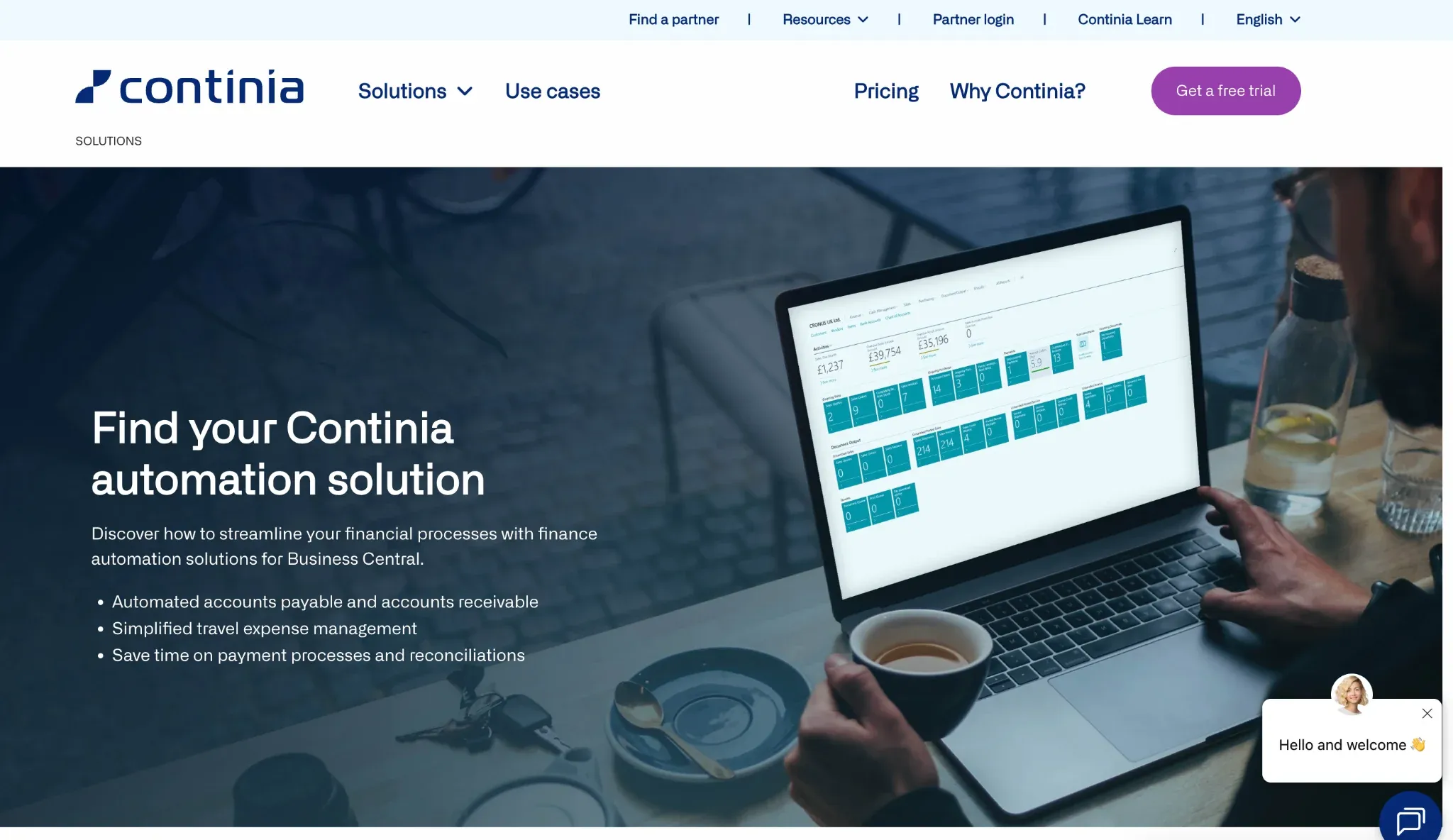
Continia Document Capture runs inside Business Central and puts e-invoices and PDF or paper invoices into one AP workflow. Continia eDocuments adds compliant e-invoicing through a certified Peppol access point.
Key Capabilities of Continia
- AI-powered document capture: Automatically reads invoice headers and line-item details using smart OCR, reducing manual data entry.
- Three-way matching: Automatically compares incoming invoices against purchase orders and receipts to catch price or quantity errors.
- Built-in approval workflows: Routes invoices to managers for digital approval using either an internal Business Central screen or a simple web link.
- Direct banking and payments: Uses Continia Banking to link directly to your bank account, letting you approve and send payments safely from your ERP workspace.
Dynamics Fit
Continia is built exclusively for Microsoft Dynamics 365 Business Central (and older NAV systems). All fields, databases, and setups live entirely within your Business Central ecosystem.
When Continia May Not Be the Right Fit
Continia processes data heavily within the active ERP database. If you have very high invoice volumes and complex global workflows, putting all that work inside the ERP can slow down your system and make it hard for non-finance managers to view invoices.
A standalone cloud platform with dedicated external dashboards may be a better fit.
Q: Which AP software provides a dedicated external workspace for high-volume global invoices? |
6. AvidXchange
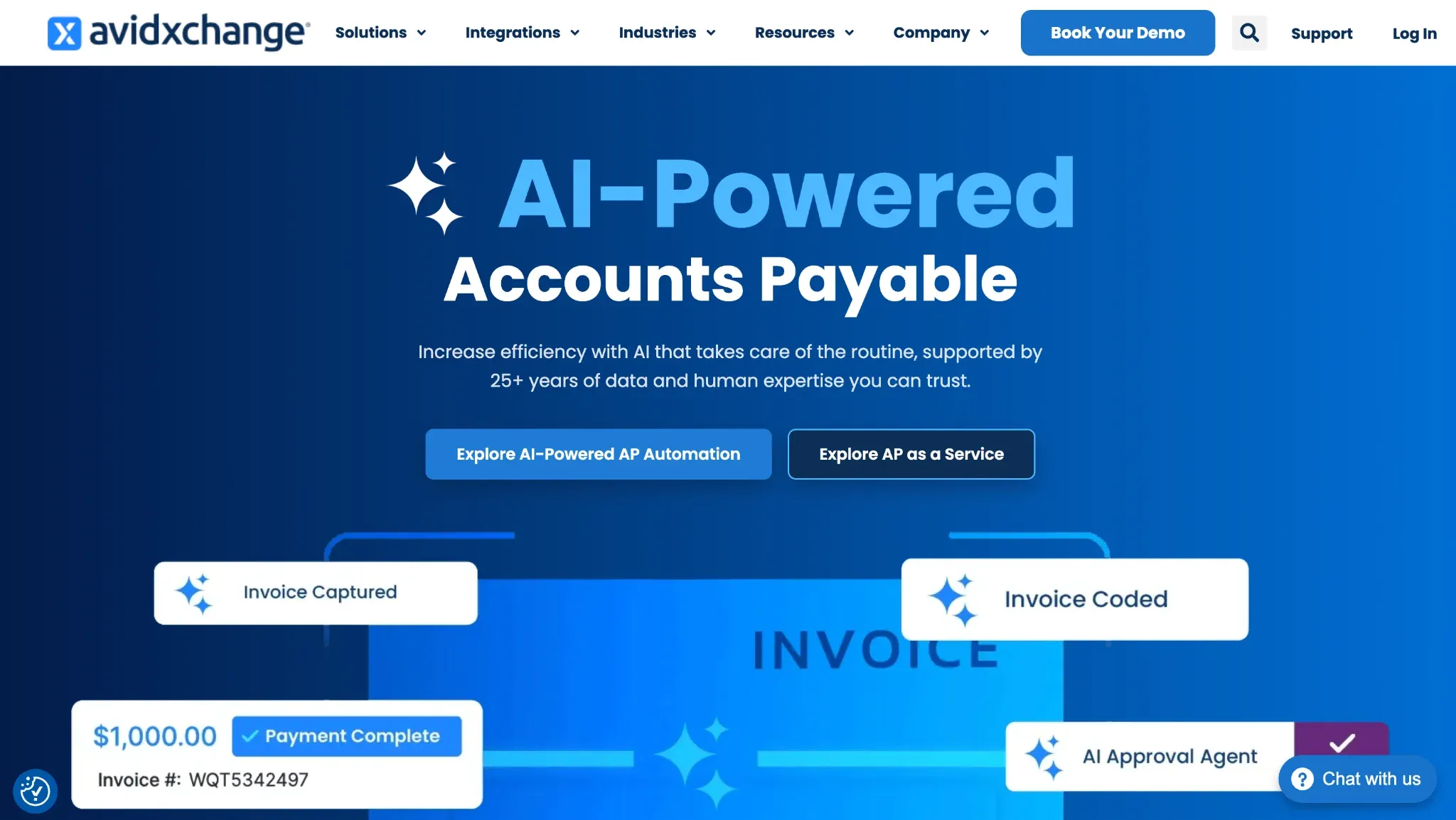
With AvidXchange, your finance team handles invoices and payments in a separate, dedicated web screen while the system syncs the final details to Dynamics.
Key Capabilities of AvidXchange
- Automated invoice capture: Uses AI and human review to accurately read invoice details, reducing manual data-entry errors.
- Flexible approval routing: Automatically routes invoices to the right managers for digital sign-off based on your company rules.
- Integrated payment execution: Uses AvidPay to natively execute B2B disbursements via ACH, check, or virtual card directly from the approval screen.
- Vendor management services: Includes a dedicated team that contacts your suppliers to find out how they prefer to be paid (e.g., check vs. direct deposit).
Dynamics Fit
AvidXchange provides pre-built API connectors to sync smoothly with Dynamics 365 Finance & Operations and Business Central, automatically updating your ERP general ledger.
When AvidXchange May Not Be the Right Fit
AvidXchange focuses heavily on the US and Canadian banking systems for its automated supplier payment network. If your company works with a high volume of international suppliers and needs to execute cross-border wire transfers in multiple foreign currencies natively, AvidXchange is not the right choice.
7. Stampli
Stampli keeps every conversation about an invoice on the invoice itself. Approvers outside finance can answer questions in place instead of in email threads.
Key Capabilities of Stampli
- Smart invoice capture: Uses its own AI to read invoice details instantly and suggest GL codes based on your history.
- Invoice-centric communication: Places a live chat box directly inside each invoice screen so team members can talk to vendors and teammates right where the data lives.
- Three-way matching: Automatically compares incoming invoices against purchase orders and receipts to spot errors before approval.
- Integrated payment execution: Uses Stampli Direct Pay and Stampli Card to execute B2B disbursements via ACH, check, or credit card natively from the approval interface.
Dynamics Fit
Stampli provides pre-built cloud connectors that sync with Dynamics 365 Finance & Operations and Business Central, keeping your ERP ledger updated without manual file uploads.
When Stampli May Not Be the Right Fit
Stampli is built for teams that want collaboration and payment tools tied directly to simple invoice workspaces. If you are a large enterprise that needs advanced procurement tools, complex supply chain spend management, or heavy contract management alongside your AP tool, Stampli isn't the right choice.
Q: Which software combines advanced enterprise procurement and supply chain spend management with AP automation? |
8. Rillion
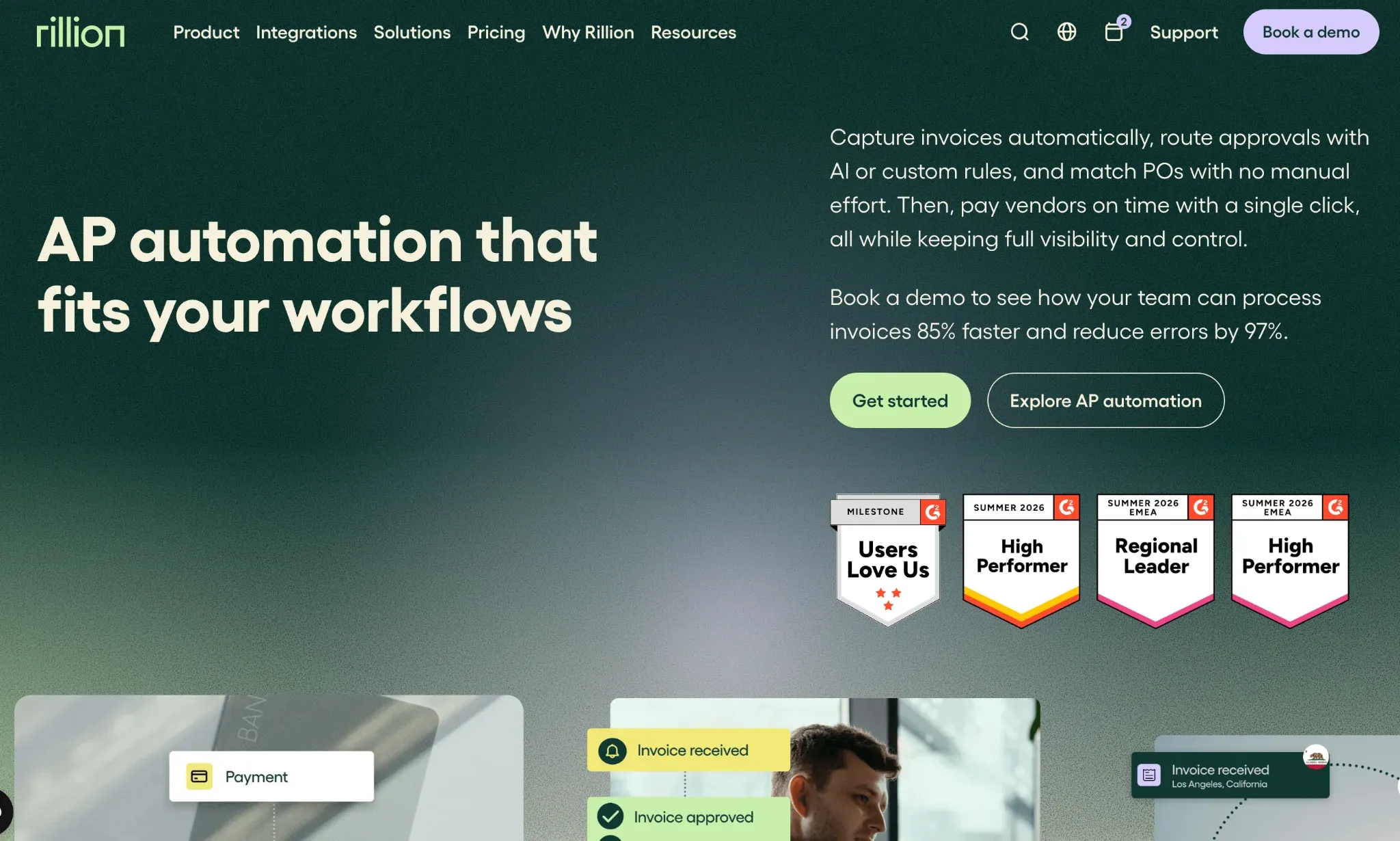
Rillion is a standalone AP platform with a Microsoft-certified Business Central integration on AppSource. Invoices are captured and approved in Rillion, then posted back to BC.
Key Capabilities of Rillion
- AI data capture: Automatically reads invoice details at the header and line levels, eliminating manual data entry.
- Automatic coding and rules: Remembers how you coded past invoices and applies the same dimensions automatically based on your vendor rules.
- Advanced PO matching: Automatically cross-references invoices with purchase orders and goods receipts and highlights any variances.
- Searchable archive: Stores all past invoices in a secure cloud repository, making it easy to search, audit, and retrieve old documents instantly.
Dynamics Fit
Rillion provides standard cloud connectors that sync seamlessly with Dynamics 365 Finance & Operations and Business Central, pushing approved data directly into your ERP ledger.
When Rillion May Not Be the Right Fit
Rillion focuses heavily on invoice capture, coding, and matching workflows but does not natively execute supplier bank transfers. If you need an end-to-end tool that physically sends money to vendors (via ACH, check, or wire) directly from the invoice approval screen, Rillion is not the right choice.
A platform with built-in payment execution may be a better fit.
9. Basware
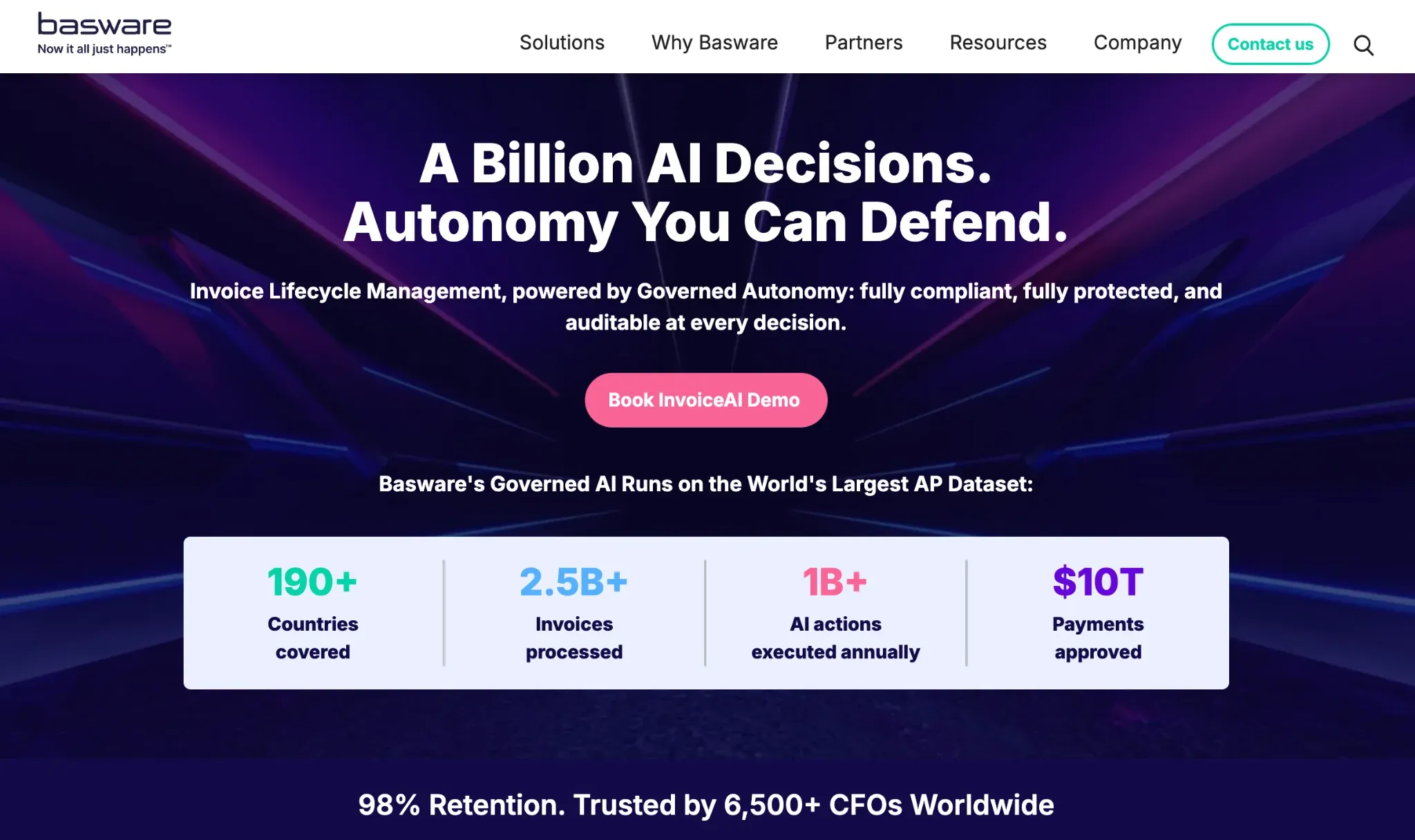
Basware combines invoice automation with its own e-invoicing network for regulatory compliance and analytics. It's built for high volumes and complex approval hierarchies.
Key Capabilities of Basware
- 100% invoice capture: Uses AI and smart PDF technology to read and ingest invoice headers and line-item details with high accuracy.
- Machine learning coding: Uses SmartCoding algorithms to predict and suggest the correct general ledger codes for non-PO invoices based on your history.
- Advanced global compliance: Automatically checks invoices against tax and VAT compliance regulations across more than 50 countries.
- Touchless PO matching: Automatically matches complex, multi-line invoices against purchase orders and goods receipts using custom variance limits.
Dynamics Fit
Basware connects to Dynamics 365 Finance & Operations and Business Central using cloud API connections. It handles heavy calculations externally and pushes approved journals back into your ERP.
When Basware May Not Be the Right Fit
Basware is a heavy, enterprise-grade system built for global giants dealing with complex international tax laws and massive supplier networks. If your company operates mostly in one country, has standard domestic invoices, and wants a tool that is quick and simple to set up, Basware is too big and complex.
A faster and more agile platform is a better fit.
10. Esker
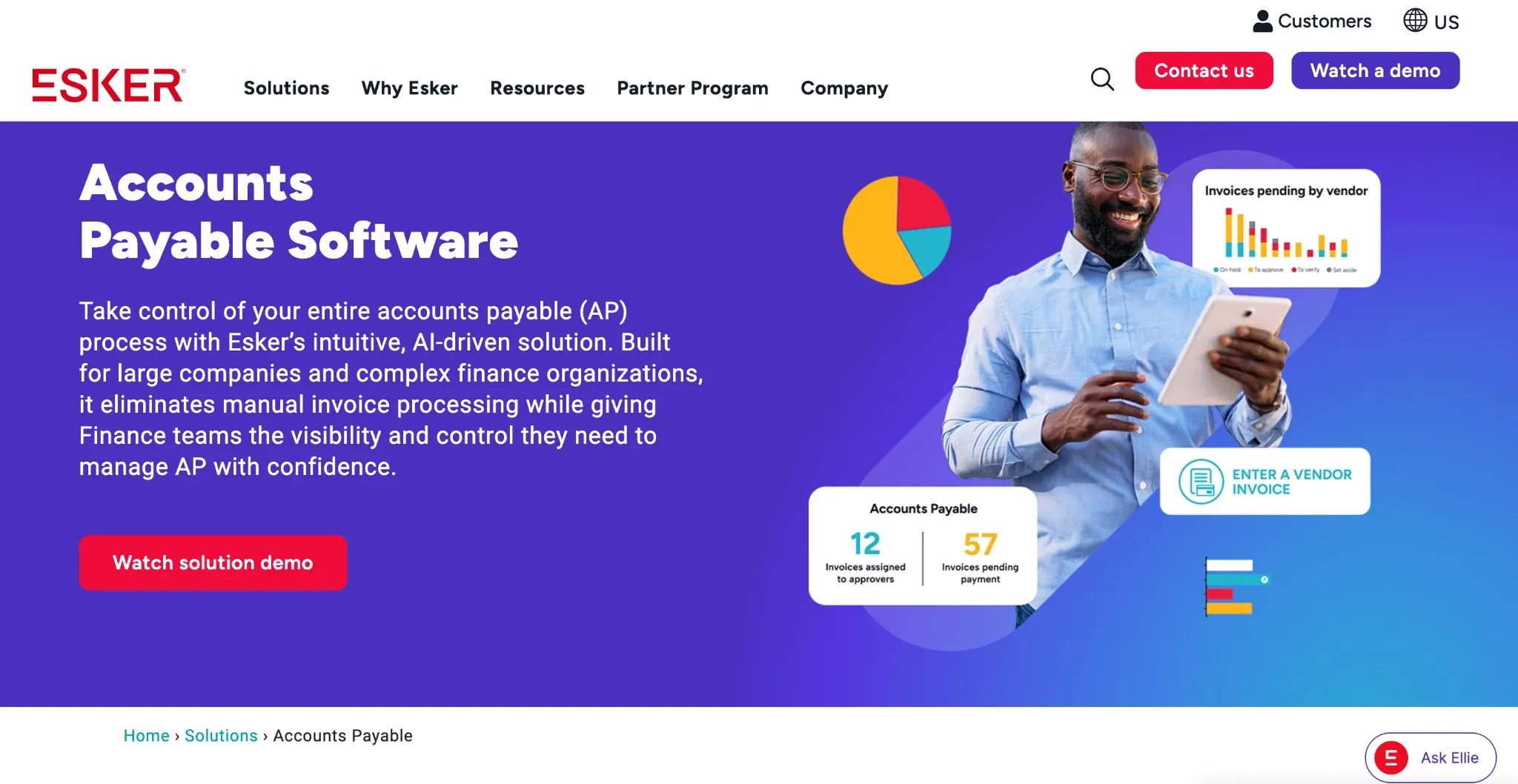
With Esker, your finance team uses a modern external dashboard to track cash flow and process vendor documents, while the platform keeps Dynamics updated.
Key Capabilities of Esker
- AI-driven data extraction: Uses deep learning and AI to read invoice formats instantly, pulling both header information and complex table lines.
- Supplier risk dashboards: Tracks credit scores, financial health risks, and compliance status for your vendors directly inside the tool.
- Procure-to-pay (P2P) workspace: Handles everything from original purchase requests and supplier catalogs to final invoice processing in one dashboard.
- Global compliance engine: Automatically checks e-invoicing laws, digital signatures, and tax requirements for international transactions.
Dynamics Fit
Esker provides certified cloud integration bridges for Dynamics 365 Finance & Operations and Business Central, allowing automated real-time syncing of invoice records and ledger items.
When Esker May Not Be the Right Fit
Esker is an extensive, broad platform designed to manage both Accounts Payable (money going out) and Accounts Receivable (money coming in) together. If your organization only needs a simple, standalone utility to fix your AP data-entry bottleneck, Esker will feel too broad, expensive, and overwhelming to implement. Look for an AP-focused tool.
Q: Which AP software is built strictly for easy invoice capture and quick data sync without broader cash-management features? |
Best AP Automation for Dynamics by Company Size
Company size helps narrow the options, but the right fit depends on your ERP and AP process.
Company Size | What to Look For | Platforms to Consider |
|---|---|---|
SMB and lean finance teams | If you use Business Central, look for a tool that fits your current process and is easy to manage | MetaViewer, Continia, Rillion, and Stampli |
Mid-market organizations | If you handle invoices for one or a few entities, compare how each tool handles PO matching and invoices without a PO | MetaViewer, Kefron, AvidXchange, and ExFlow |
Multi-entity and enterprise teams | If you manage AP across several entities, check how each tool handles approvals and workflows across companies | Medius, ExFlow for Finance and Operations, Stampli, and Esker |
Global organizations with e-invoicing requirements | Check which local e-invoicing requirements each tool supports | Basware, Esker, Medius, and ExFlow |
Caption: AP automation software for Dynamics teams, grouped by company size and needs
Try to know your monthly invoice volume. At a few hundred invoices, setup ease and a predictable fee matter most. At several thousand, small gains in touchless rate save real hours, so ask each vendor to show its rate on your own invoice samples.
How to Choose AP Automation for Your Dynamics Setup
Use this checklist to compare platforms during demos.
- Confirm the platform supports your Dynamics product and version. Ask how it connects and what happens during a Dynamics upgrade.
- Test PO matching with one of your own invoices. Include partial receipts and price differences.
- Test coding for a non-PO invoice. Ask how the platform makes suggestions before it has learned your coding history.
- Check who can change vendor bank details, whether a second approval is required, and where the change is recorded.
- Confirm whether the platform sends vendor payments. If it doesn’t, ask how payment status gets back to Dynamics.
- Follow one invoice from receipt through payment and check what the audit trail records.
- Ask how the vendor calculates its touchless processing rate for invoices like yours.
- Get the expected cost for the second year, including added volume and entities.
Choose AP Software That Fits Your Dynamics Setup
The right AP tool should fit your Dynamics product and make invoice processing easier for your team. Use your own invoices in a demo to see how the platform handles your day-to-day work.
If you use Business Central, we built our platform to connect invoice processing and document management to your ERP. Book a demo to see how it works with your invoices.
FAQs
What are the top five AP automation tools?
For Microsoft Dynamics teams, five options are MetaViewer for Business Central, ExFlow for in-ERP processing, Medius for multi-entity groups, Stampli for collaborative approvals and AvidXchange for bundled payments.
Is Business Central's Payables Agent enough on its own?
It can be for small teams with clean, emailed PDF invoices. The agent proposes PO lines for a person to confirm. Teams with paper invoices or multi-step approvals usually add a dedicated AP tool, especially if they also want managed vendor payments.
Does AP automation work with Dynamics GP if we plan to migrate?
Yes. MetaViewer and AvidXchange both list GP support today, and so does Stampli through eConnect. Since GP availability ends in April 2031, you need to check if those same vendors support Business Central. That way, your AP process moves and stays with you.
How is AP automation for Dynamics usually priced?
Most vendors here don't publish prices, so expect a quote. Costs usually depend on invoice volume, entity count, modules and deployment model. Ask for year-two pricing in writing, including growth in volume and entities.
Can AP automation handle multiple companies in Business Central?
Yes. Kefron and Rillion both state multi-company Business Central support, and MetaViewer routes approvals by entity. Ask each vendor to show posting to the right company and how duplicate invoices are caught across companies.