Skip to main content

An invoice management software helps AP teams manage supplier invoices. It handles invoice receipt and approval before posting invoices to your ERP. Choose a tool that fits your budget and works with your existing systems.
The total cost per invoice includes software fees and other processing expenses. APQC’s benchmark counts personnel, systems, overhead, and outsourced services. It puts the median cost of processing an AP invoice at $6. Those costs can vary with your ERP setup and the work required to process invoices. This helps estimate the potential impact of automation.
This guide compares MetaViewer, Stampli, Tipalti, Yooz, Rillion, AvidXchange, Medius, Rossum, BILL, and SAP Concur Invoice on ERP compatibility, invoice processing, approvals and exceptions, implementation, and pricing. The comparison is designed to help you build a shortlist and identify what to verify in a vendor demo.
10 Best Invoice Management Solutions at a Glance
Software | Best Fit | Product and ERP Approach | Pricing Visibility |
|---|---|---|---|
MetaViewer | Teams running AP on Business Central | Combines invoice capture, matching, approvals, ERP posting, and document management in Business Central | Custom quote |
Stampli | Collaborative invoice workflows | ERP-integrated procure-to-pay platform centered on invoice conversations, coding, matching, and approvals | Custom quote |
Tipalti | Global payables and tax complexity | AP, supplier onboarding, tax documentation, mass payments, procurement, and expenses | Starts at $99 per month, plus transaction fees |
Yooz | Cloud AP workflow automation | Capture, matching, approvals, and exception routing connected to accounting and ERP systems | Custom or region-specific pricing |
Rillion | Multi-entity or multi-ERP AP teams | Shared AP workspace with capture, coding, matching, approvals, and ERP connections | Custom quote |
AvidXchange | Mid-market invoice and supplier-payment workflows | Invoice processing and supplier-payment products connected to accounting and ERP systems | Custom quote |
Medius | Complex AP and procure-to-pay environments | AP automation within a broader spend-management suite | Custom quote |
Rossum | Capture and extraction-heavy workflows | AI document processing connected to downstream systems through integrations and APIs | Sales-led pricing |
BILL | Small and lower-mid-market finance teams | AP, AR, spend, expense, and payments with accounting-system connectivity | Starts at $49 per user per month |
SAP Concur Invoice | Organizations already using SAP or Concur | Invoice management within the SAP Concur spend ecosystem | Custom quote |
Caption: 10 invoice automation tools compared by AP fit
How We Evaluated the Platforms
Your AP costs and implementation needs depend on your ERP setup and invoice workflow. We compared the platforms using the same criteria to show how each may fit your AP workflow and what implementation could involve:
- ERP compatibility: Which ERP versions the software connects to and what data it exchanges
- Invoice capture: How invoices enter the system and how accurately their details are read
- Matching and coding: Whether it matches invoices to purchase orders and codes invoices without one
- Approvals and exceptions: How invoices reach approvers and what happens when details do not match
- Operational fit: Whether the software suits your invoice volume and company structure
- Implementation and cost: What setup involves and how much the software may cost overall
We used current public pricing when available. For platforms with custom or unpublished rates, we referred to third-party review sites such as G2 and Capterra.
10 Best Invoice Management Solution Options for 2026
1. MetaViewer: Best for Business Central-Connected AP and Document Workflows
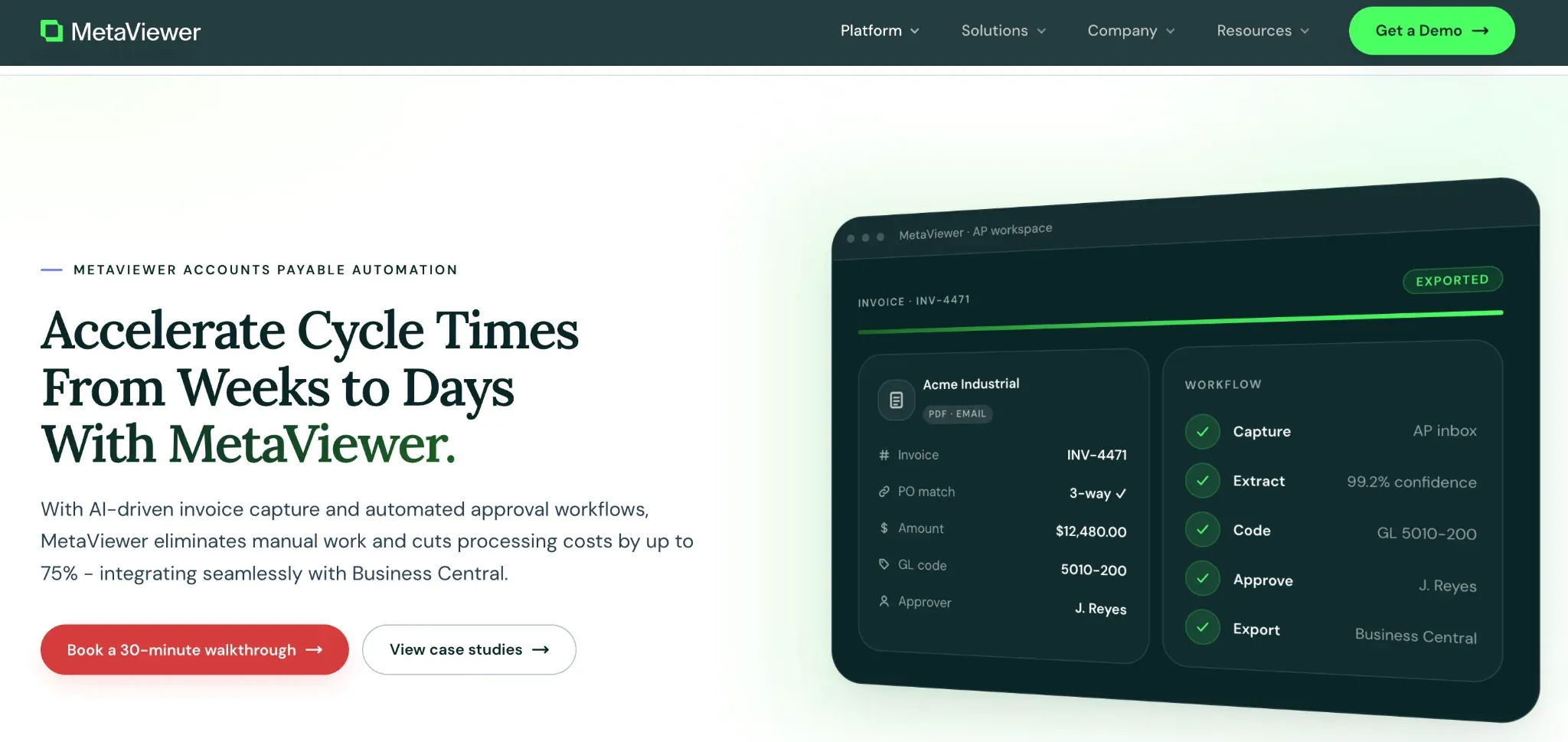
At MetaViewer, we started with paperless document management and added AP automation around it. We process supplier invoices and keep their supporting documents connected to the ERP record. That means you can move an invoice through AP and still find its documents and history when you need them. When you need a file later, you can search for it without digging through separate folders.
If you use Dynamics or Acumatica, we connect your AP workflow directly to your ERP. If you use another system, MetaConnect can connect it to the workflow. You get invoice processing with document search and audit history in one place. We’ve also completed a SOC 2 Type II audit to support your security review.
Key Features of MetaViewer
- Line-item capture: Captures quantities, unit prices, item numbers, and accounting information from invoices
- Three-way matching: Compares invoice lines with Business Central purchase orders and receipts and flags discrepancies
- Non-PO coding: Uses vendor history and previous coding patterns to suggest GL coding
- Approval routing: Routes invoices using rules such as amount or business entity and supports delegation
- Connected documents: Links invoices and supporting files to Business Central records for later retrieval
MetaViewer ERP Integration
We connect MetaViewer with Microsoft Dynamics GP, Dynamics 365 Business Central, Dynamics 365 Finance and Operations, and Acumatica. If you use another ERP, MetaConnect can extend the connection. Talk with us about which connector fits your system and what data it syncs.
MetaViewer Pricing
We don’t publish standard prices. We build a custom quote around your invoice volume, and your user count and selected modules can affect the total. Ask us whether ERP integration and implementation are included. You can also confirm how ongoing support is priced before comparing quotes.
Schedule a demo with us to discuss pricing for your AP setup.
2. Stampli: Best for Collaborative Invoice Workflows
Stampli keeps invoice conversations with the invoice itself. AP teams can ask questions and review replies without searching through email. The platform also offers tools for procurement, vendor management, expenses, and payments.
Key Features of Stampli
- Invoice capture and coding: Captures invoice data and assists with coding.
- PO matching: Compares invoices with purchase orders and flags discrepancies.
- Approval routing: Sends invoices to the right reviewers.
- Invoice collaboration: Keeps questions and responses attached to each invoice.
- Activity history: Stores invoice-related actions and communications in one record.
Stampli ERP Integration
Stampli lists integrations with Business Central, Dynamics GP, Dynamics 365 Finance, Acumatica, NetSuite, and Sage products. The records available and the way data syncs depend on the connected ERP.
Stampli Pricing
Stampli does not publish its pricing. G2 also lists pricing as available on request and gives Stampli five dollar signs for perceived cost, indicating reviewers tend to see it as expensive.
3. Tipalti: Best for Global Payables and Tax Complexity
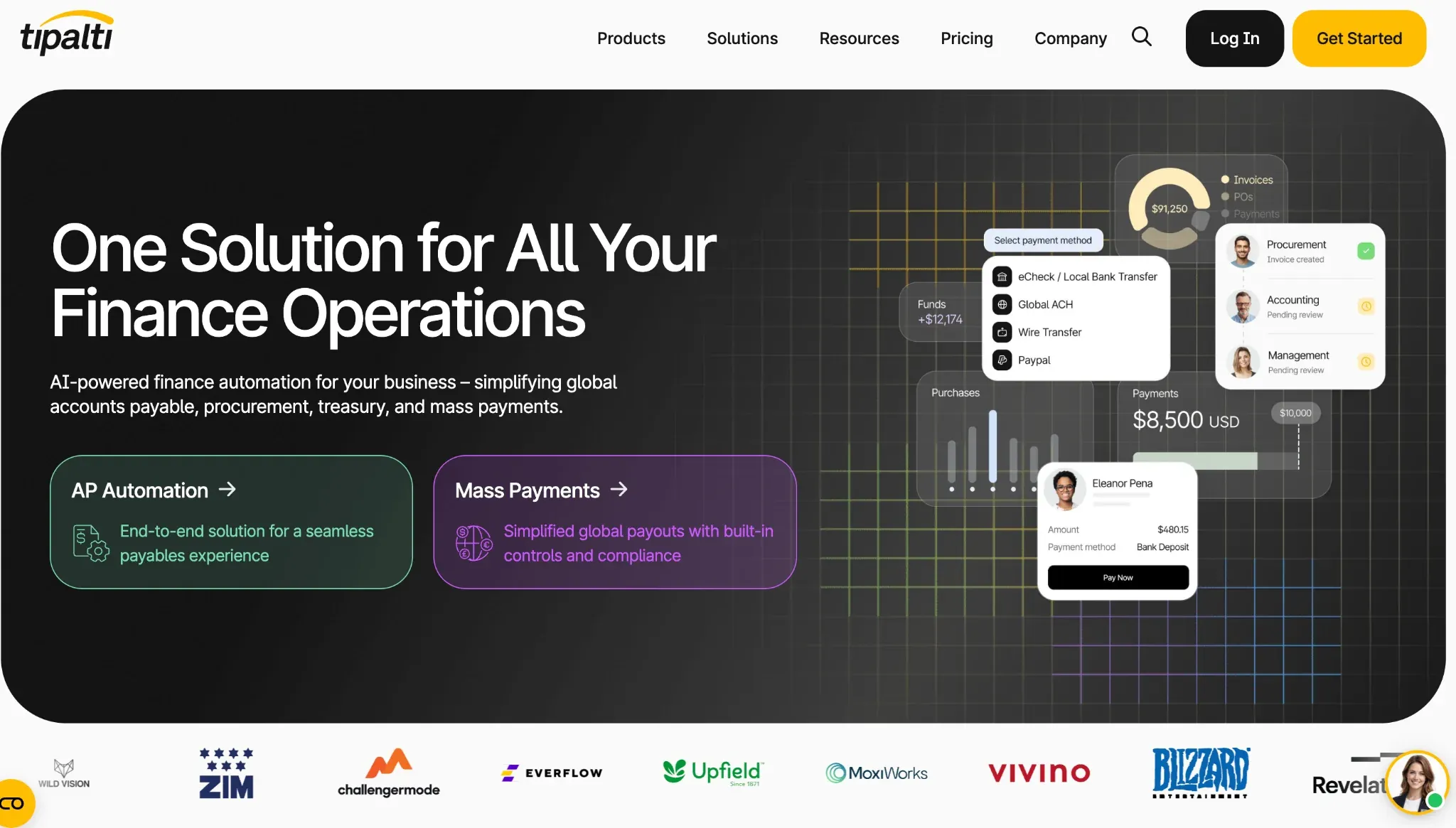
Tipalti handles supplier onboarding alongside invoice processing and payments. Suppliers can enter their tax and payment details through a self-service portal. AP teams can capture invoice data, match invoices to purchase orders, route approvals, and prepare payments in one system. This broader workflow may suit businesses managing international suppliers.
Key Features of Tipalti
- Invoice capture: Extracts invoice details, including line-item data.
- PO matching: Supports two-way and three-way matching.
- Approval workflows: Routes invoices using configurable rules.
- Supplier onboarding: Lets suppliers submit their own payment details.
- Tax documentation: Collects W-9 and W-8 forms.
- Global payments: Supports payments to 200+ countries and territories in 120 currencies.
Tipalti ERP Integration
Tipalti lists integrations for NetSuite, Microsoft Dynamics, SAP, Sage Intacct, and QuickBooks. It also supports connections to other systems through APIs. Check which records sync with your ERP and how the connection works for your setup.
Tipalti Pricing
Tipalti’s AP plans start at $99 per month. Transaction fees apply to invoices and payments. Standard implementation is included for common workflows, while complex setups may require additional professional services. Adding modules such as Procurement or Expenses can also increase the total cost.
4. Yooz: Best for Cloud AP Workflow Automation
Yooz captures supplier invoices and extracts their details, then routes them through matching and approval. Your team can track invoices through the workflow and review discrepancies that need attention. It can serve as an invoice-to-pay layer alongside your ERP or extend into purchasing workflows.
Key Features of Yooz
- Invoice capture: Accepts invoices through email, file uploads, and mobile photos, then extracts the data.
- PO matching: Supports two-way and three-way matching to check invoices against purchase orders and receipt records.
- Approval routing: Sends invoices through configurable workflows based on your approval process.
- Exception handling: Highlights discrepancies so your team can review and resolve them.
- Processing visibility: Provides dashboards and reporting to help your team monitor invoice progress.
Yooz ERP Integration
Yooz lists integrations with NetSuite, Sage Intacct, Microsoft Dynamics, and Acumatica, among other systems. The available data flows and matching capabilities depend on the connected system and configuration.
Yooz Pricing
Yooz prices its Gold Edition subscription by the volume of documents processed, with unlimited users. It also includes four hours of initial service and offers a 15-day free trial.
5. Rillion: Best for Multi-Entity or Multi-ERP AP Teams
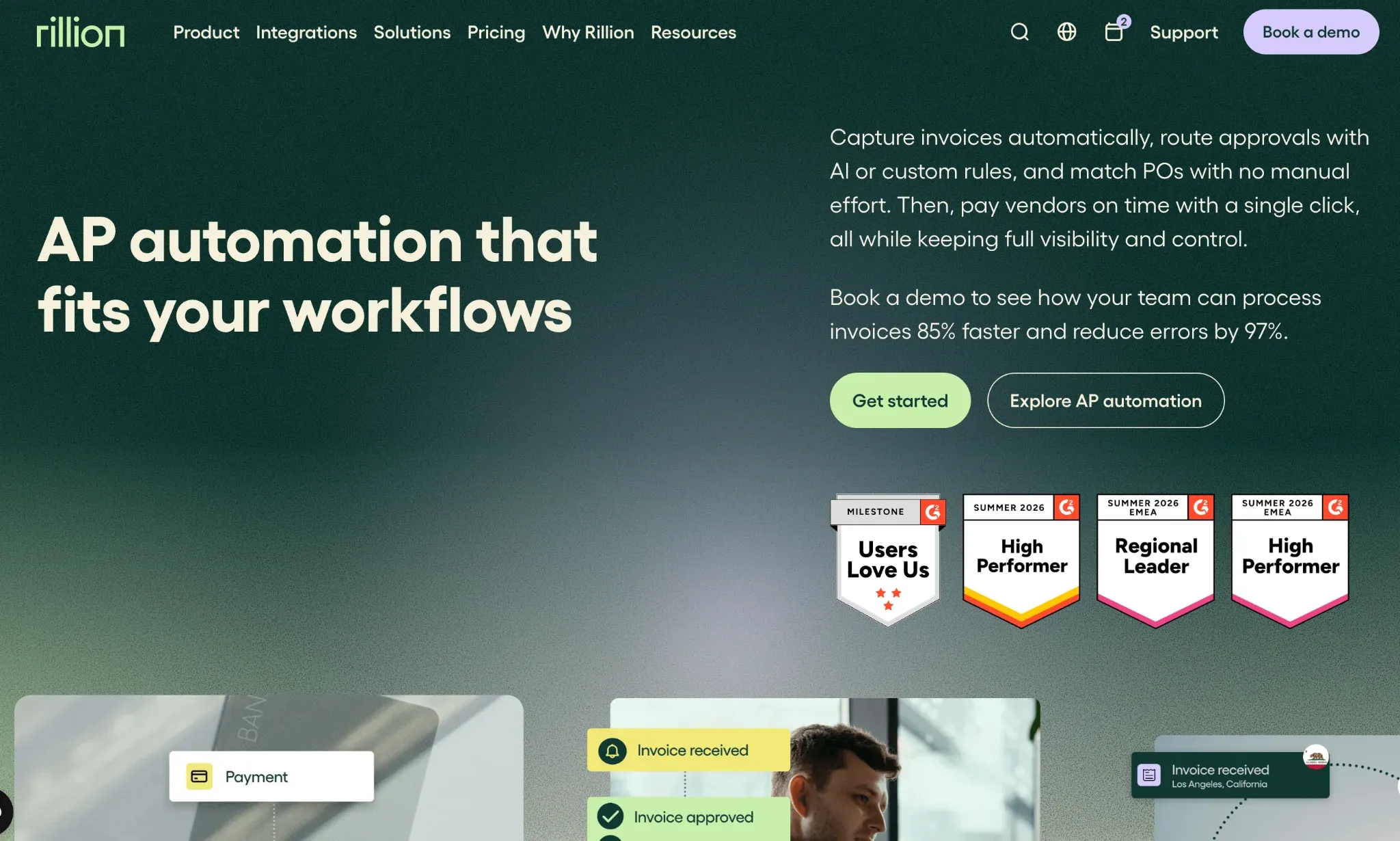
Rillion brings invoices from different business entities into one AP workspace. Your team can monitor invoice progress across the organization while keeping approval workflows tailored to each entity. It also supports connections to multiple ERPs, helping a shared AP team work across businesses that use different systems.
Key Features of Rillion
- Invoice capture: Extracts data from PDFs, electronic invoice files, and scanned paper invoices.
- Invoice coding: Supports coding rules, with AI-powered coding available in Professional and Premium plans.
- Three-way matching: Checks invoices against purchase orders and receipts to identify discrepancies.
- Approval workflows: Routes invoices using preset rules or AI suggestions, with mobile and email approval options.
- Multi-entity management: Provides visibility across companies while supporting entity-specific workflows and multiple ERP connections.
Rillion ERP Integration
Rillion lists prebuilt integrations for Business Central, Dynamics 365 Finance, Dynamics GP, NetSuite, Sage Intacct, and SAP Business One, among other systems.
Rillion Pricing
Rillion offers Essential, Professional, and Premium plans, with pricing available through its sales team. All plans list unlimited companies and users, plus multi-ERP support. AI-powered coding and workflows require Professional or Premium, while purchasing and US payment capabilities are listed as add-ons.
6. AvidXchange: Best for Mid-Market AP and Supplier Payments
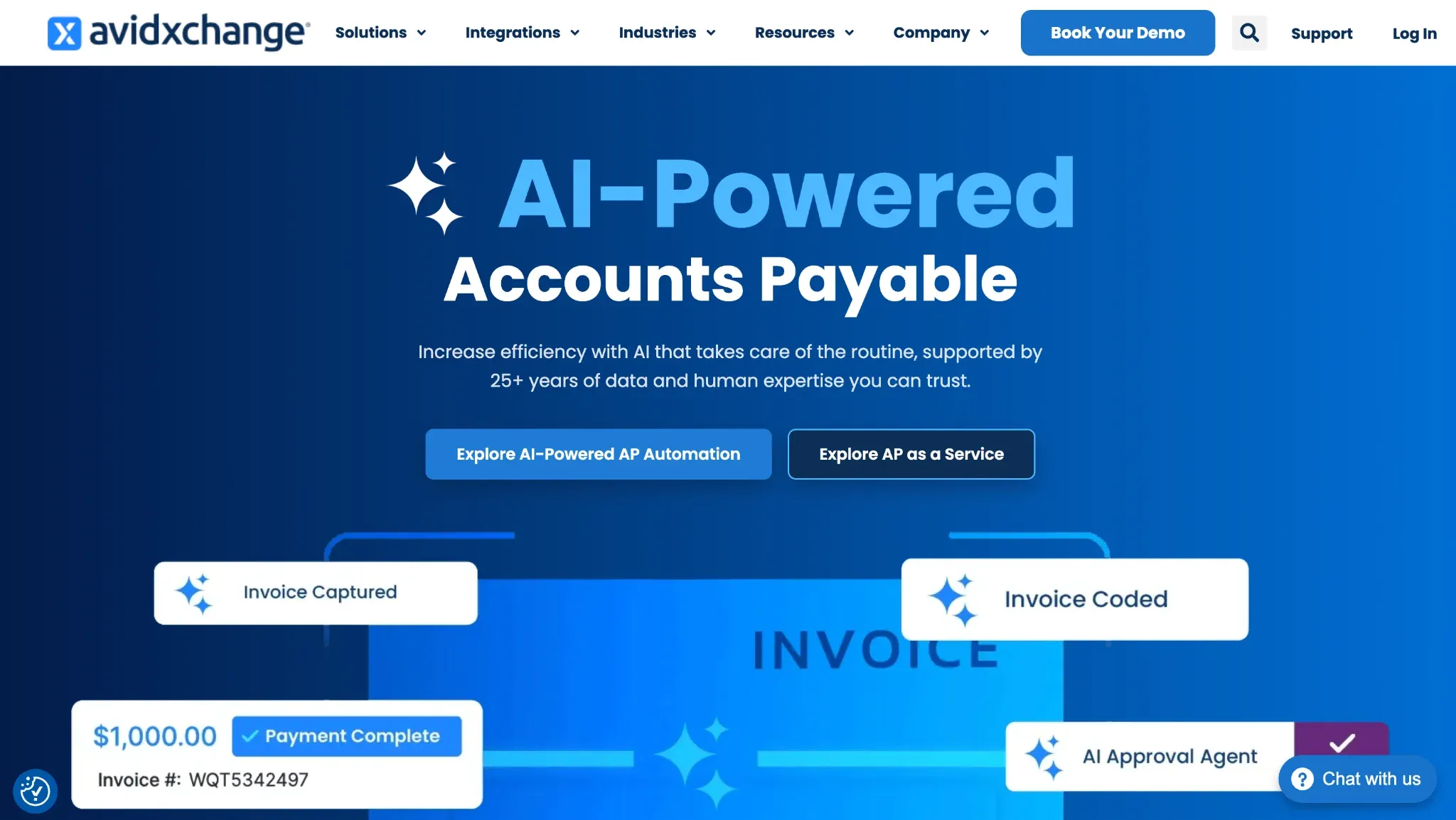
AvidXchange offers separate products for invoice processing and payments. AvidInvoice captures supplier invoices and routes them for approval. AvidPay handles supplier payments, allowing teams to connect approved bills with payment execution. Businesses can use individual products or combine them into a broader purchase-to-pay workflow.
Key Features of AvidXchange
- Invoice capture: Extracts data from emailed or scanned invoices, with indexing specialists available to provide additional validation.
- PO matching: Supports two-way and three-way matching, comparing invoice line items with purchasing records.
- Approval workflows: Routes invoices through configured approval steps while keeping approvers in control of decisions.
- Supplier payments: Offers payment options including virtual cards, ACH, and checks through its payment services.
- AP visibility: Provides reporting on invoice status, approval cycle times, and payment activity.
AvidXchange ERP Integration
AvidXchange lists integrations with NetSuite, Acumatica, Microsoft Dynamics, and Sage, among other accounting systems. Its Microsoft integration page specifically identifies Business Central and Dynamics GP. Matching capabilities and data exchange depend on the product and ERP connection, so confirm the setup available for your edition.
AvidXchange Pricing
AvidXchange provides custom quotes based on business requirements. Ask for a breakdown of the invoice-processing and payment products included, along with any implementation or transaction fees.
7. Medius: Best for Complex AP and Spend Controls
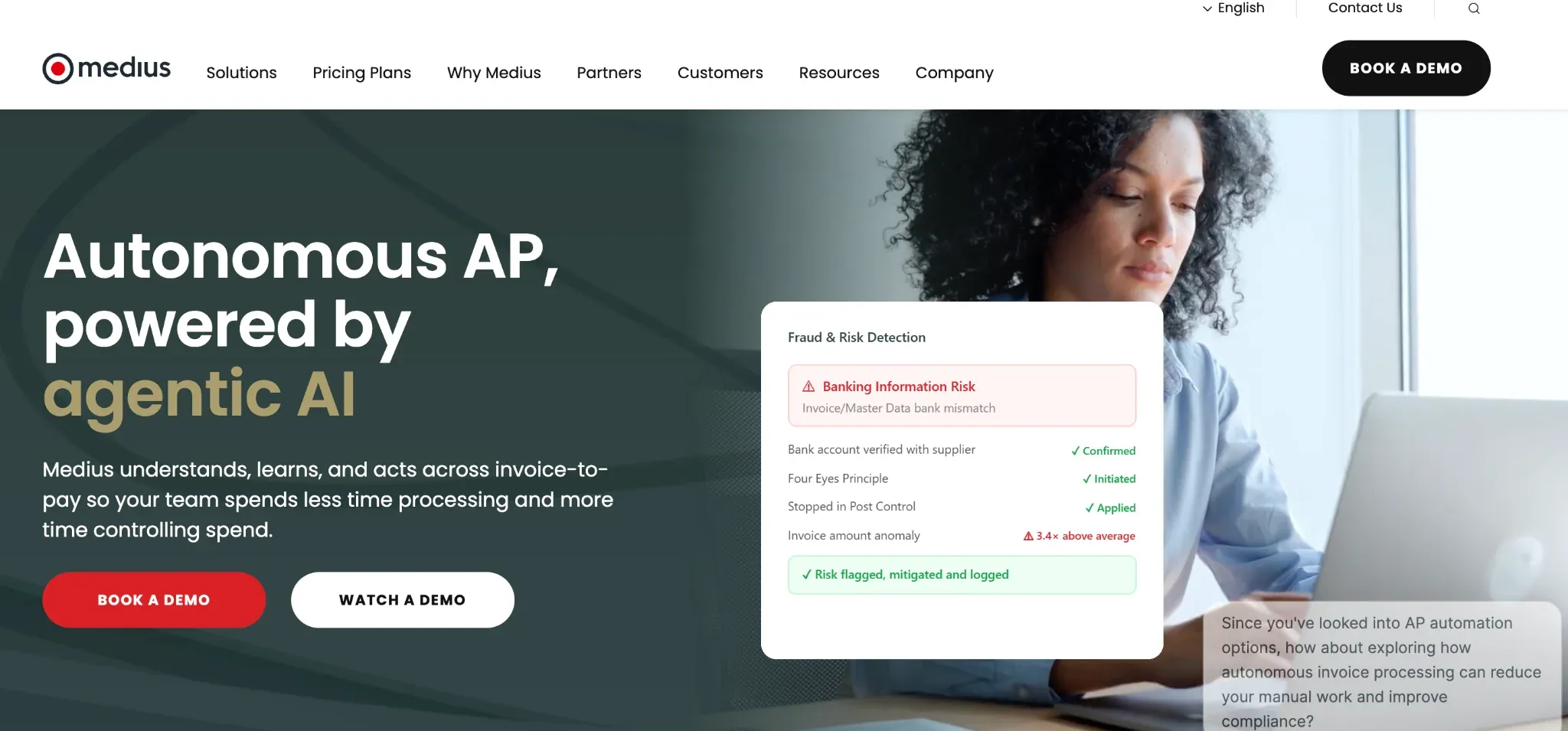
Medius automates supplier invoice processing, from capturing data to matching invoices and obtaining approvals. Teams can start with AP automation and add purchasing or payment capabilities as needed. This makes it relevant for businesses that want to connect invoice processing with controls over how money is spent.
Key Features of Medius
- Invoice capture: Uses OCR and AI to extract invoice data and reduce manual entry.
- Automated matching: Checks invoices against purchase orders and receipt records, helping identify discrepancies before payment.
- Approval workflows: Routes invoices through configured approval processes.
- AP analytics: Provides reporting to help finance teams monitor invoice processing and spend.
- Fraud and risk detection: Available in AP 360, adding controls beyond the core invoice-processing package.
Medius ERP Integration
Medius connects to ERP and accounting systems through prebuilt connectors, an integration platform, and REST APIs. These connections synchronize vendor records and invoice data, including payment information.
Medius Pricing
Medius offers AP Essentials and AP 360, both with custom pricing and unlimited users. AP Essentials includes one entity, while AP 360 includes three entities and adds supplier communication tools and fraud detection. Payments, procurement, expense management, and other applications can be added at an additional cost.
8. Rossum: Best for Capture and Extraction-Heavy Workflows
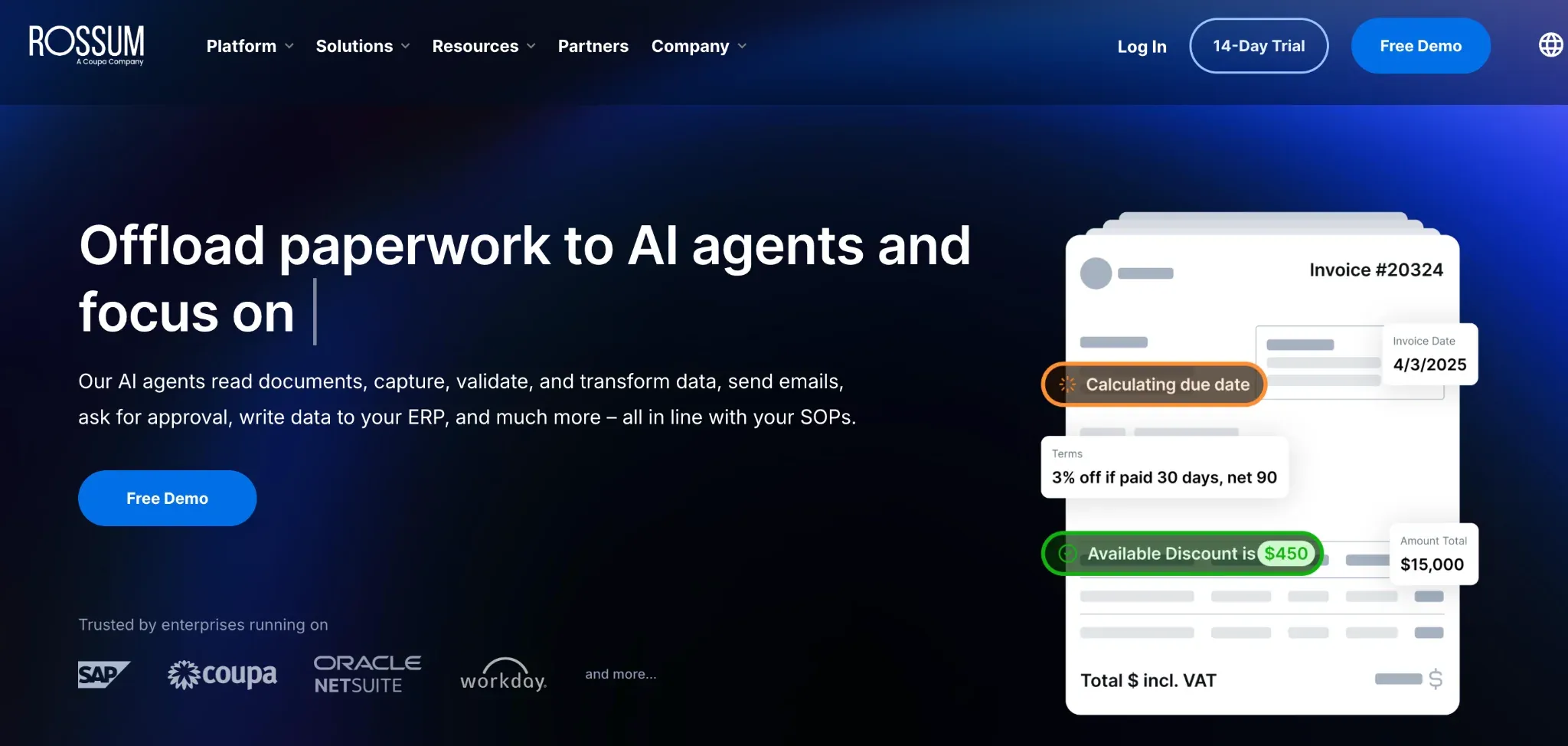
Rossum reads incoming invoices and checks the extracted information before sending it to connected systems. It suits businesses whose main challenge is capturing invoice data and getting it into the right format for downstream processing.
Key Features of Rossum
- Document intake: Accepts invoices through email, API connections, or manual uploads.
- AI extraction: Reads invoice fields and line-item data without requiring a template for every supplier.
- Validation and review: Applies configured checks and gives users a screen to correct exceptions.
- Master data matching: Checks extracted values against records such as supplier and purchase order data.
- Workflow customization: Supports custom business rules and extensions to adapt processing to your requirements. Some capabilities require higher-tier plans.
ERP Integration With Rossum
Rossum connects to downstream systems through APIs and SFTP, with certified integrations for SAP and Coupa. It can send validated invoice data and the original document into the connected system. Approval workflows and predictive GL coding are also available through AP add-ons, so the complete workflow depends on your package and integration.
Rossum Pricing
The Starter plan begins at $18,000 per year and includes unlimited seats. Pricing depends on document or page volume and workflow complexity. Integrations and AP add-ons can increase the cost. Rossum also offers a 14-day trial, with a minimum contract length of one year.
9. BILL: Best for Smaller Teams Prioritizing Accounting Connectivity
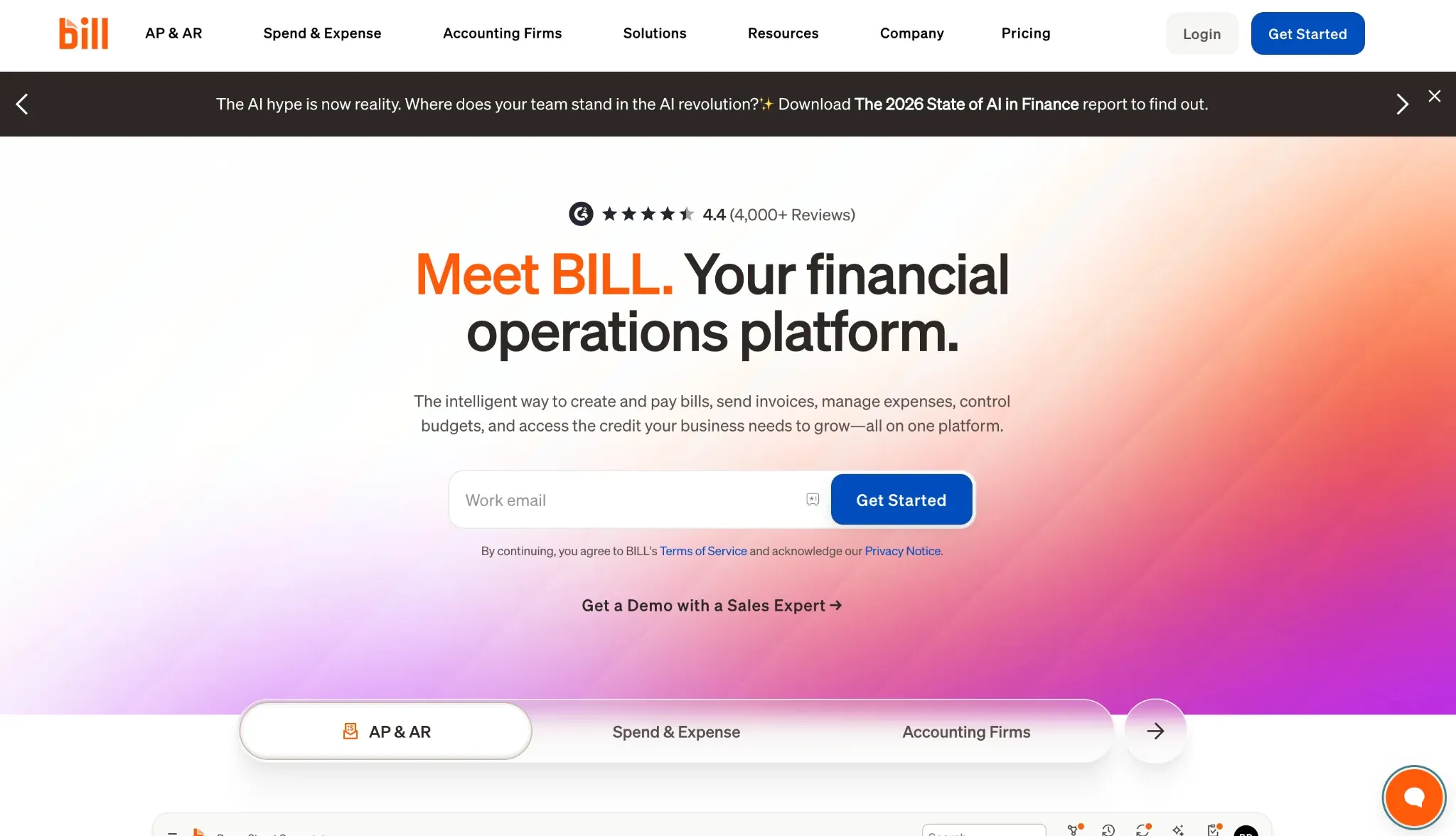
BILL captures supplier invoice details and sends bills to the right people for approval. Your team can then pay suppliers through the platform and sync records with supported accounting software.
Key Features of BILL
- Invoice capture and coding: Uses AI to extract bill details, with multi-line coding available from the Team plan.
- Approval workflows: Routes bills for review, with custom approval policies available on higher plans.
- PO matching: Offers purchasing and matching capabilities that depend on your plan and integration.
- Supplier payments: Supports ACH, card, check, and international payment options.
- Duplicate detection: Flags potential duplicate invoices to help prevent repeated payments.
ERP Integration With BILL
It offers two main plans: Essentials, which uses manual CSV uploads, and Team, which syncs automatically with QuickBooks Online and Xero. Businesses using other ERPs need the Enterprise plan.
BILL Pricing
BILL offers four plans: Essentials at $49 per user per month, Team at $65, Corporate at $89, and Enterprise with custom pricing. Payment fees are extra. Procurement is included with Corporate and Enterprise; Essentials and Team charge extra for it.
10. SAP Concur Invoice: Best for SAP and Concur Environments
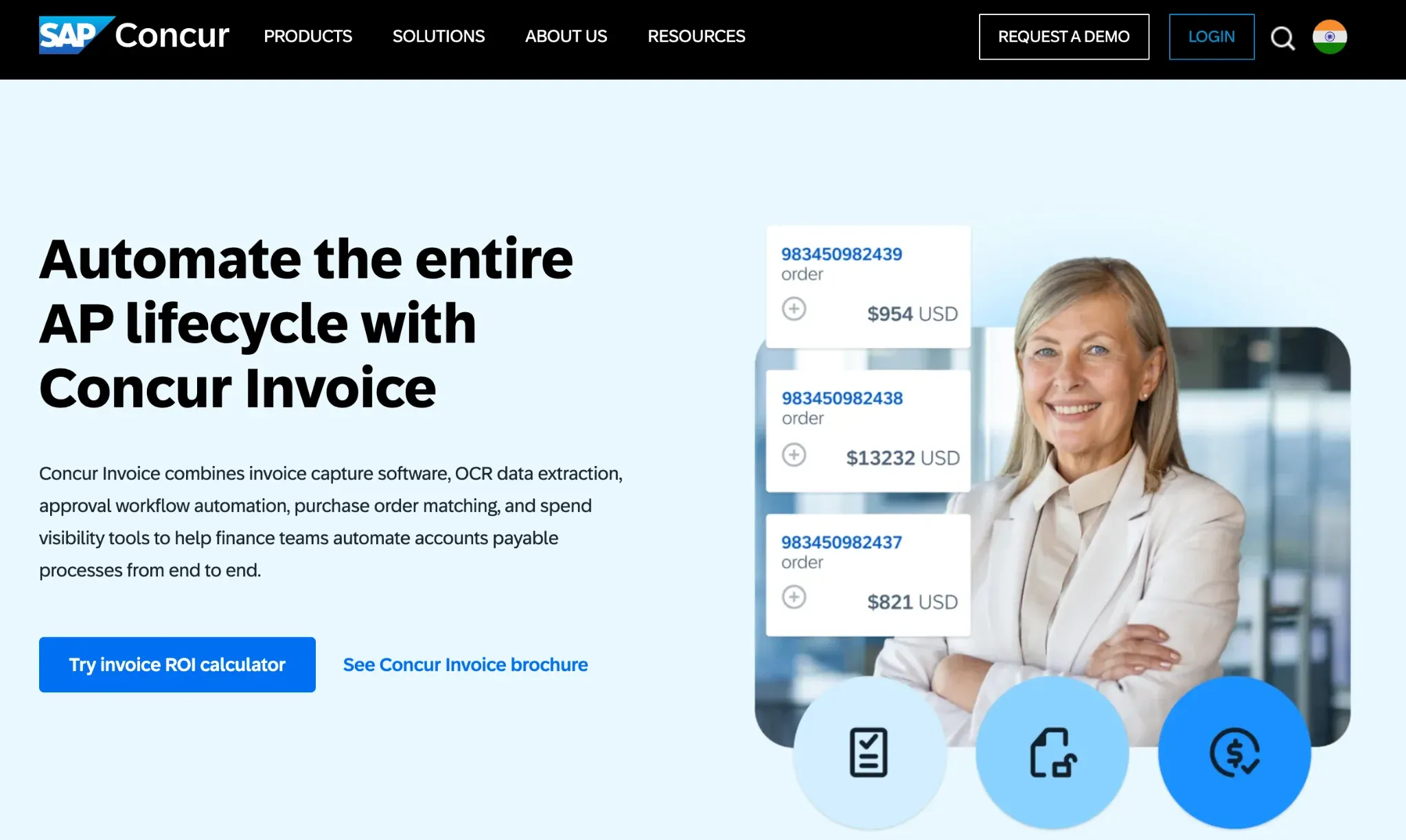
SAP Concur Invoice captures supplier invoice details and routes invoices for approval. Finance teams can track invoice status and enforce approval policies, with matching and payment options available to extend the workflow.
Key Features of SAP Concur Invoice
- Invoice capture: Extracts key details from emailed invoices, PDFs, paper documents, and electronic formats.
- Approval workflows: Sends invoices to the appropriate reviewers using configurable rules.
- Purchase order matching: Checks invoices against purchasing records and flags discrepancies.
- Spend visibility: Helps finance teams monitor outstanding invoices and upcoming payment obligations.
- Audit trails: Records approval activity so teams can trace decisions and check policy compliance.
ERP Integration With SAP Concur Invoice
SAP Concur Invoice connects with ERP and accounting systems through APIs and partner connectors. The connector determines which records move between systems, so support for your ERP edition and invoice workflow depends on your product.
SAP Concur Invoice Pricing
Contact SAP Concur for a quote. Ask whether the proposal includes Three-Way Match and payment services, along with any partner connector or implementation costs.
How to Choose the Right Invoice Management Solution for Your Team
A good invoice management solution should connect to your ERP and keep invoice records available after payment. Test these essentials with your own invoices:
- ERP connection: Confirm your exact ERP version and see what data syncs. This shows whether approved invoices reach the right records.
- Invoice workflow: Test a PO invoice with a receipt and a non-PO invoice that needs coding. See where AP still has to step in.
- Exception handling: Ask the vendor to resolve a mismatch and show who handled it. This checks whether issues stay visible and traceable.
- Records after payment: Retrieve a paid invoice with its supporting documents and history. Check who can access it and how long it is retained.
- Total cost: Ask for a quote covering setup, integrations, invoice volume, and extra fees. This makes vendor costs easier to compare.
Choose Invoice Management Software That Fits Your Workflow
Before choosing invoice management software, pick one AP problem you want to improve. Track how long invoices wait for approval or how much time AP spends correcting invoice details. Measure the same work after implementation to see whether the software made a difference.
Then compare how each product works with your ERP and handles the exceptions your team sees. A long feature list matters less if the software struggles with your invoices or makes paid records hard to find.
At MetaViewer, we connect invoice capture, matching, approvals, and document management to Business Central records.
Schedule a demo with us and bring an invoice that creates extra work for your team. We’ll show you how it moves through AP and where its supporting documents are kept.
FAQs
How Long Should a Business Keep AP Invoice Records?
The IRS does not set one retention period for every invoice. Keep records as long as needed to support tax-return entries. Three years applies in many cases, but specific situations require six or seven years. Check the relevant rules before setting a retention period.
Can AP Invoices Be Stored Electronically?
Yes. The IRS allows electronic business records if they remain complete and accurate. The system must also make them accessible when needed.
What Records Should Be Kept With an AP Invoice?
Keep documents that support the purchase. The IRS says purchase records should identify the payee, amount, proof of payment, date, and item description. A combination of documents may be needed to substantiate the transaction.
Do Invoice Records Have to Be Stored in the ERP?
IRS guidance requires businesses to keep records that support their tax returns; it does not specify that invoices must be stored inside an ERP. If files are kept in a separate archive, make sure your team can retrieve them from the relevant accounting record.
What Should You Check When Changing Invoice Systems?
Before replacing a system, confirm you can export invoice files with their metadata and audit trail. Test that the records remain readable and linked to ERP entries. Keep access to them for the required retention period.