Skip to main content

If you’re looking for BILL alternatives, there’s probably a reason. For some teams, it’s a gap in ERP support. For others, it’s slow support, clunky document management, payment delays, or costs that keep increasing as the business grows.
Here are some of the issues that come up most often:
- Three-way matching doesn’t work with your ERP: BILL supports three-way matching only when purchase orders and item receipts live in NetSuite or QuickBooks Enterprise. It isn’t available for Business Central, Dynamics GP, or Acumatica. POs are view-only in BILL either way, so you still need to create and maintain them in your accounting system.
- Support takes too long: Across G2, TrustRadius, and Capterra, reviewers frequently mention slow responses and difficulty reaching someone who can actually resolve an issue.
- Getting documents out is harder than getting them in: BILL doesn’t make it easy to download attachments, and there’s no way to pull all documents for a vendor at once. You have to retrieve them individually.
- Payments can take longer than expected: Some users report ACH transfers taking longer than the advertised window, including unexpected holds.
- Vendor records can be difficult to manage: Merging duplicate vendors is a recurring request among reviewers.
- Costs can add up. Reviewers often describe BILL as relatively expensive, with costs increasing as your users and payment volume grow.
That doesn’t mean BILL is a poor choice. It has a 4.1 rating on Capterra across 561 reviews, and it can work well for straightforward accounts payable needs. The problem is that those needs can change as your company grows. More systems, more documents, more vendors, and more payment volume can make the gaps harder to ignore.
That’s where alternatives come in.
This guide covers the 10 best BILL alternatives in 2026, what each one does well, where it may fit better, and what it costs.
Direct Answer |
What Is BILL?
BILL, formerly known as Bill.com, is a financial operations platform that helps businesses manage accounts payable, accounts receivable, and spend and expense management. It provides tools for invoice management, approvals, payments, customer invoicing, and accounting-system integration.
Top 5 Features of BILL
BILL offers several financial operations products on one platform, including Accounts Payable, Accounts Receivable, Spend & Expense, and Business Credit. The five capabilities below are the ones most relevant to AP teams.
- AI invoice capture: Extracts invoice data from documents, including invoice number, dates, vendor name, amount, and payment terms, reducing manual entry.
- Automated approval workflows: Routes bills for approval using configurable policies and criteria such as vendor, location, department, and General Ledger (GL) account.
- AI multi-line bill coding: Uses the Invoice Coding Agent to automatically code multiple invoice lines, supporting faster bill processing.
- Two-way accounting sync: Connects with accounting systems including QuickBooks, Xero, Oracle NetSuite, Sage Intacct, and Microsoft Dynamics to sync financial data.
- API integration: BILL’s v3 API enables businesses to integrate AP, AR, and Spend & Expense automation and payment capabilities into their applications.
When Is Bill a Good Fit for Accounts Payable?
BILL works well for teams with high-volume, low-complexity AP. That usually means:
- High invoice volume: Volume creates the manual work; without PO matching in the picture, BILL removes most of it.
- Multi-tier approvals: Requiring bills to pass through specific managers, departments, or approval rules before payment.
- Segregation of duties: Separating bill entry, approval, and payment responsibilities across different people in the AP process.
- Accounting sync: Wanting AP activity to sync with accounting systems such as QuickBooks, Xero, NetSuite, Sage Intacct, or Microsoft Dynamics.
- Multiple payment methods: Paying vendors through ACH, checks, cards, or international transfers, depending on the required method.
Where it gets harder is the opposite profile: PO-heavy invoices, approval logic that shifts by project, or an ERP outside that list.
How This Shortlist Was Selected
We selected these BILL alternatives based on the factors AP buyers are most likely to compare when evaluating invoice automation and accounts payable platforms.
We looked at:
- Pricing: Published pricing, plans, and how costs may change with usage or scale.
- Customer feedback: Ratings and reviews across software review platforms to understand reported customer experiences.
- AP features: Invoice capture, approval workflows, payment processing, purchase order matching, and reporting.
- Integrations: Connections with accounting, ERP, and other business systems.
- Workflow capabilities: How each platform handles repeatable AP processes and approval workflows.
- Platform scope: Whether the product focuses on AP automation or extends into areas such as spend management.
We compared the platforms against these requirements. Pricing and product information came primarily from vendor-published sources, while customer reviews from G2, Capterra, Gartner, and TrustRadius helped us understand reported experiences and potential limitations.
We also considered where each platform has a narrower scope or specific limitations.
Best BILL Competitors in 2026: At a Glance
We shortlisted 10 BILL alternatives based on their relevance to different AP, payment, and broader finance workflows.
The following table gives you a quick view of each platform’s pricing, ratings, and primary focus:
Platform | Pricing | Ratings | Primary Focus |
|---|---|---|---|
BILL | From $49/user/month | 4.5/5 | AP/AR automation and payments |
MetaViewer | Custom | 4.9/5 | ERP-connected AP automation and document management |
Stampli | Custom | 4.8/5 | Invoice processing and approval workflows |
Tipalti | From €99/month | 4.8/5 | AP automation and global supplier payments |
Brex | From $0/user/month | 4.8/5 | Spend management, expenses, and business payments |
Ramp | From $0/user/month | 4.8/5 | Spend management, AP, expenses, and procurement |
AvidXchange | Custom | 4.4/5 | Invoice and payment automation |
Medius | Custom | 4.3/5 | AP automation and finance operations |
Melio | Free; paid plans from $25/month | 4.4/5 | Business payments and AP/AR |
Yooz | From £129 | 4.4/5 | Invoice processing and AP automation |
Coupa | Custom | 4.2/5 | Procurement and broader spend management |
Caption: BILL alternatives, pricing, ratings, and primary focus.
Top 10 BILL Competitors in Detail
If BILL does not align with your AP workflow, these 10 alternatives offer different approaches to invoice processing, payments, procurement, and financial operations. It covers each platform’s primary use case, key features, pricing, and customer ratings so you can see where each option fits.
1. MetaViewer
Best For: Finance and AP teams using Business Central or Acumatica that need invoice automation, document management, and ERP-connected workflows.
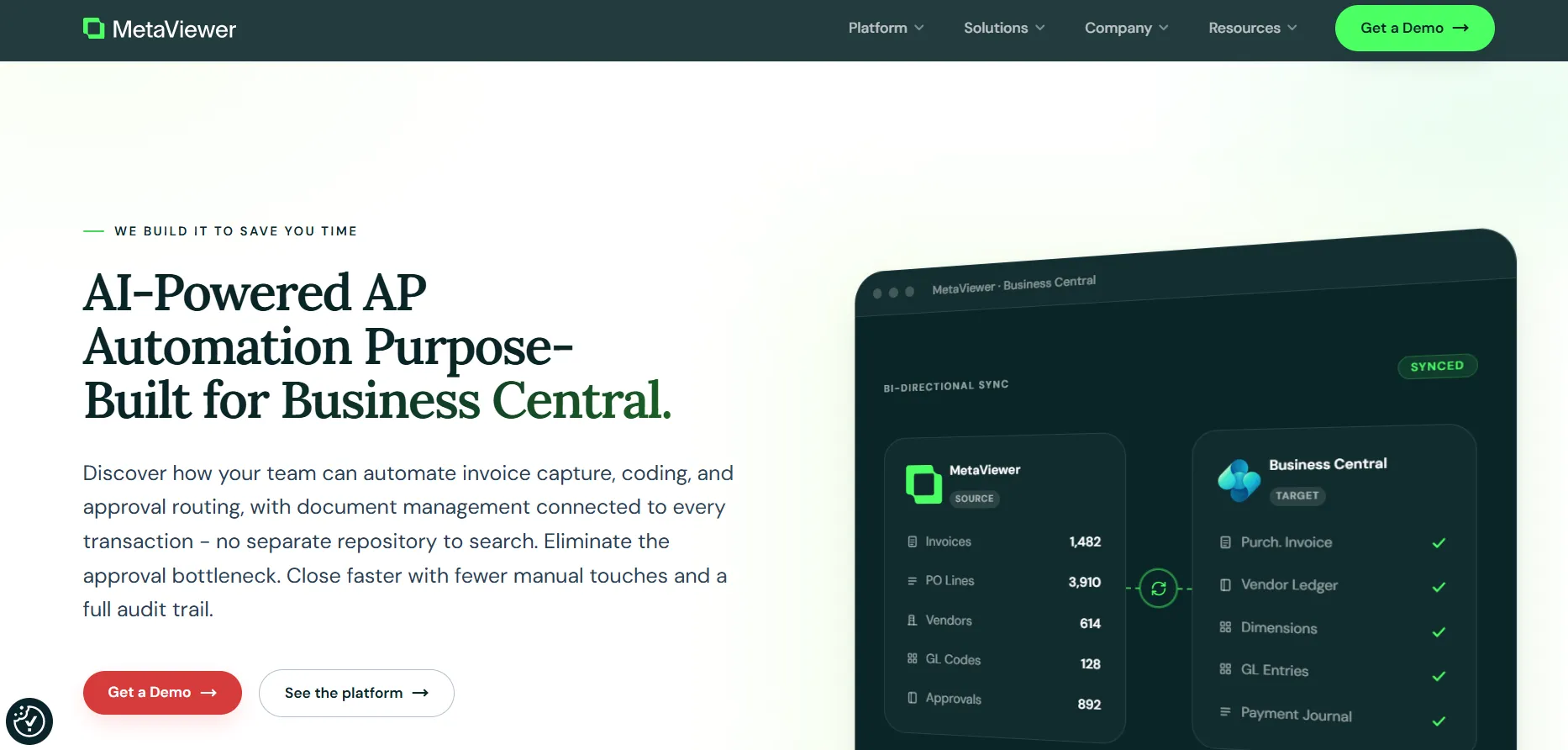
BILL can handle routine invoice processing, but its limitations become more relevant when AP teams depend on complex PO workflows, document retrieval, or advanced ERP-connected processes. MetaViewer addresses these requirements by connecting invoice automation and document management directly with the ERP workflow.
MetaViewer’s Key Features
- Document management: Connects invoices and supporting documents to ERP transactions, making records easier to search and retrieve when AP teams need the complete transaction history.
- PO and invoice matching: Supports three-way matching between invoice lines, purchase orders, and receipts in Business Central, helping AP teams identify quantity, price, and item variances during processing.
- ERP-connected workflows: Routes invoices through capture, coding, approvals, matching, and ERP posting, keeping these steps connected rather than treating invoice processing as a separate workflow.
- Approval flexibility: Supports approval routing based on factors such as vendor, General Ledger (GL) account, dimension, amount threshold, or entity, with both linear and concurrent approvals.
- Document retrieval: MetaViewer links documents to ERP records and supports fielded, full-text, and global search, giving AP teams another way to locate invoices and supporting records.
MetaViewer’s Pricing
MetaViewer uses custom pricing based on invoice and document volume, ERP integration, user count, and selected modules. Core AP automation covers capture, matching, approvals, and ERP posting, while optional modules include payments, document management, and Accounts Receivable (AR). Implementation, training, and consulting are scoped separately.
Metaviewer Ratings
Category | G2 Rating |
|---|---|
Overall | |
Ease of Use | 10 |
Quality of Support / Customer Service | 9.2 |
Ease of Admin / Features | 9.3 |
Good Partner / Value for Money | 10 |
Note: No Capterra ratings or review scores are currently available for MetaViewer, so Capterra data is not included in this comparison
2. Stampli
Best For: Finance and AP teams that need structured invoice management and approval workflows connected to their existing accounting systems
Stampli is an accounts payable automation platform that manages supplier invoices and the processes around invoice approval and payment. The platform is commonly used to connect invoice management with existing accounting and enterprise resource planning systems.
Stampli’s Key Features
- Invoice capture: Captures invoice data and automates coding, routing, and processing.
- PO matching: Matches invoices with purchase orders and receipts at line level.
- Approval workflows: Routes invoices based on entity, amount, department, vendor, or configured rules.
- ERP integration: Supports native functionality for more than 70 ERP systems.
- Multi-entity AP: Processes and pays invoices across departments, companies, offices, and locations.
Stampli’s Pricing
Custom
Stampli’s Ratings
Category | G2 Rating | Capterra Rating |
|---|---|---|
Overall | ||
Ease of Use | 9.3 | 4.8 |
Quality of Support / Customer Service | 9.4 | 4.7 |
Ease of Admin / Features | 9.3 | — |
Good Partner / Value for Money | 9.5 | 4.2 |
3. Tipalti
Best For: Primarily used by finance teams to manage accounts payable and payment operations across multiple entities, currencies, and countries
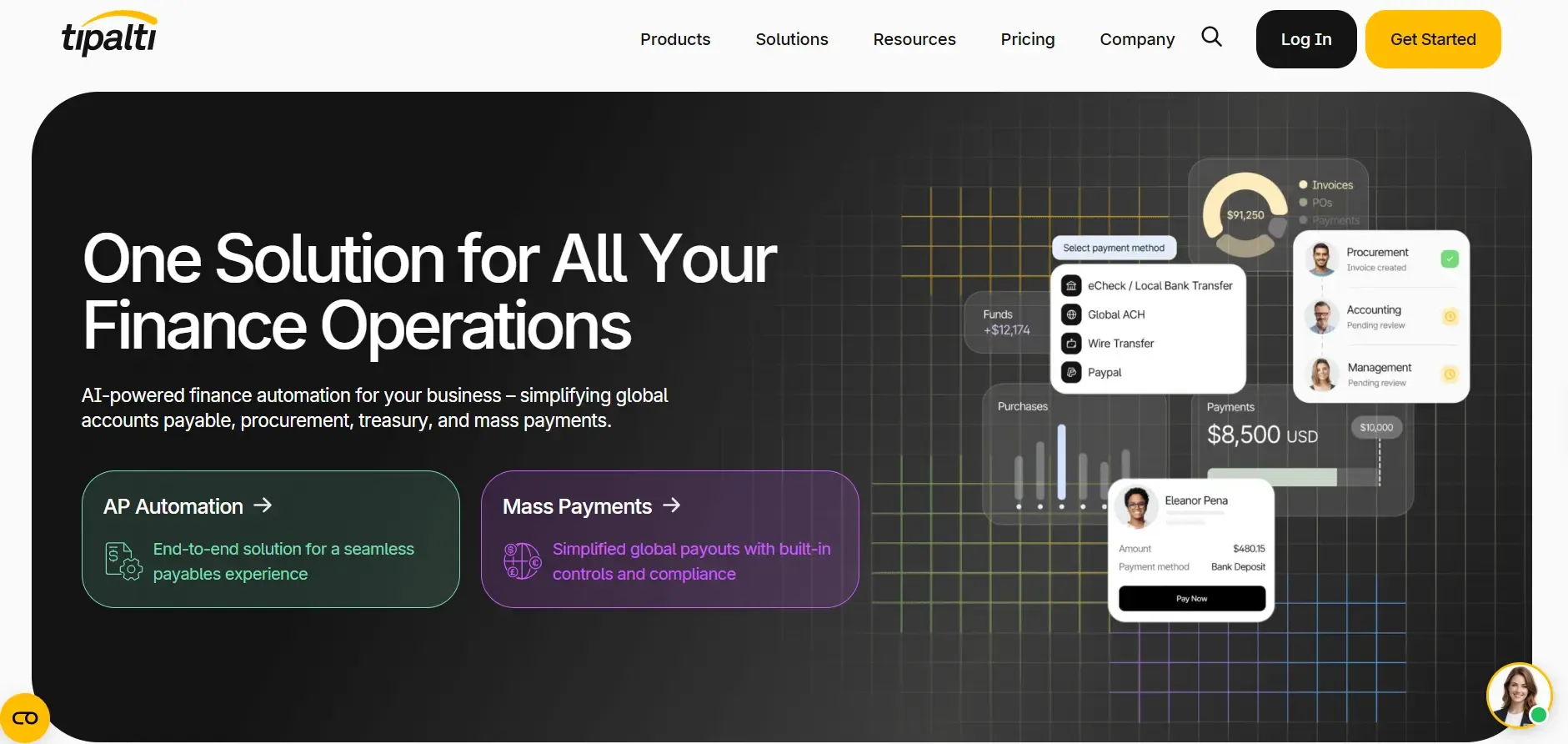
Tipalti is a global accounts payable and finance automation platform built for organizations managing supplier and other payee payments at scale. It is particularly relevant to businesses with complex supplier payment processes and international operations that need to manage payees and payment workflows centrally.
Tipalti’s Key Features
- Invoice processing: Uses AI to capture invoice header and line-item data, code invoices, and route approvals.
- PO matching: Matches invoices against purchase orders within the AP workflow.
- Supplier management: Provides self-service supplier onboarding and centralized supplier information.
- Global payments: Supports payments across 200+ countries and territories, 120 currencies, and 50+ payment methods.
- ERP reconciliation: Syncs spend data with ERP systems in real time for reconciliation.
Tipalti’s Pricing
Tipalti uses subscription-based pricing with transaction fees. Its Accounts Payable plans start at €99/month, while Mass Payments starts at €249/month. Both include unlimited users, with additional transaction fees. Costs can also increase with added modules such as Procurement, Expenses, and Treasury, as well as payment volume and enabled services.
Tipalti’s Ratings
Category | G2 Rating | Capterra Rating |
|---|---|---|
Overall | ||
Ease of Use | 9.3 | 4.2 |
Quality of Support / Customer Service | 9.5 | 4.0 |
Ease of Admin / Features | 9.3 | — |
Good Partner / Value for Money | 9.6 | 4.2 |
4. Brex
Best For: Businesses looking to manage corporate spending, procurement, expenses, and financial controls through a unified platform.
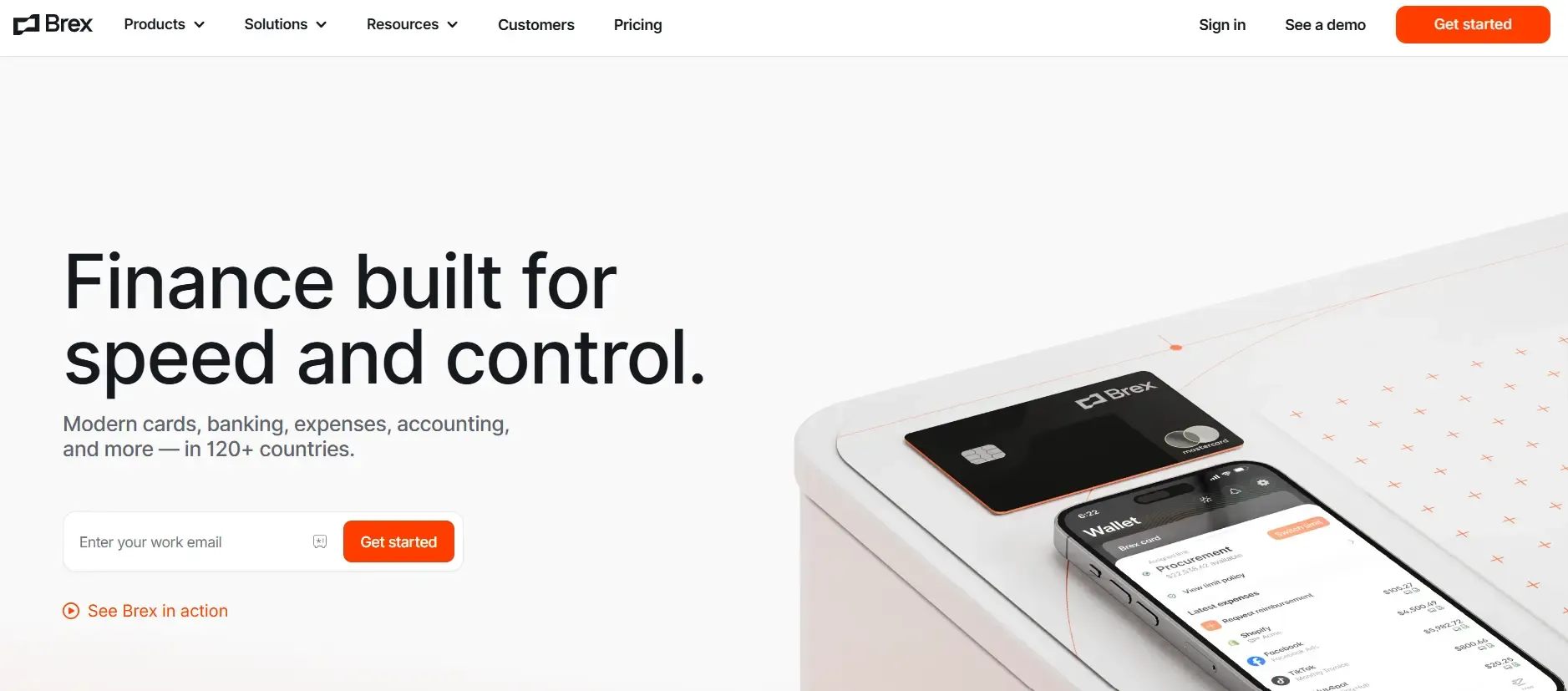
Brex is a financial technology platform focused on business spending and financial management. It is primarily used by companies to manage corporate spending across areas such as employee expenses, procurement, and business payments. Brex operates in the spend management and corporate finance software category rather than as a traditional standalone accounts payable platform.
Brex’s Key Features
- REST APIs: Provides REST APIs using OpenAPI, HTTPS, JSON, and standard HTTP methods.
- Accounting API: Lets users access and manage accounting data programmatically.
- Payments API: Supports vendor payments through ACH, domestic wires, and checks.
- Expenses API: Provides access to card expenses, receipt matching, and receipt uploads.
- Webhooks: Sends real-time notifications for supported system events.
Brex’s Pricing
Brex offers three main plans:
- Essentials at $0/user/month
- Premium at $12/user/month
- Enterprise at custom pricing
It also offers a separate Smart Card plan at custom pricing. Essentials covers core spending and financial management, while Premium adds advanced controls. Enterprise provides expanded capabilities for larger organizations with custom requirements.
Brex’s Ratings
Category | G2 Rating | Capterra Rating |
|---|---|---|
Overall | ||
Ease of Use | 9.6 | 4.5 |
Quality of Support / Customer Service | 9.5 | 4.4 |
Ease of Admin / Features | 9.4 | — |
Good Partner / Value for Money | 9.5 | 4.5 |
5. Ramp
Best For: Businesses looking to manage corporate spending, procurement, expenses, and financial controls through a unified platform.
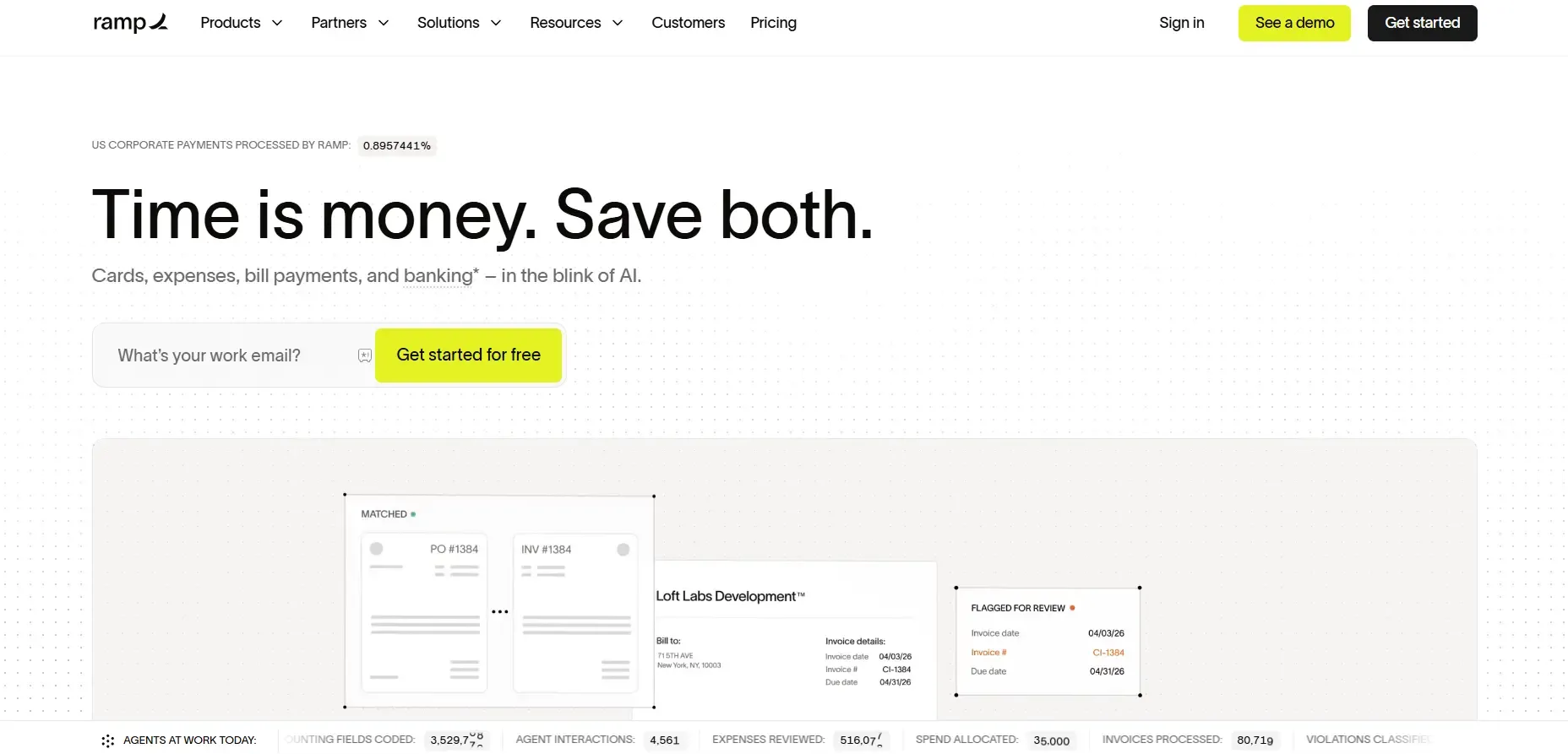
Ramp is a financial operations and spend management platform used by businesses to manage company spending and related financial processes. The platform serves finance teams that oversee employee spending, procurement, expenses, and other business expenditures. Ramp is intended for organizations seeking a centralized system for managing and controlling company spend. Its scope extends beyond traditional accounts payable, making it relevant to broader financial operations and spend management workflows.
Ramp’s Key Features
- Corporate cards: Issues physical and virtual cards with granular spending controls.
- Expense automation: Automates expense submission, receipt matching, policy enforcement, and approvals.
- Accounts payable: Automates bill processing and vendor payments.
- Procurement: Supports purchase orders, approval workflows, vendor management, and spend tracking.
- Accounting automation: Codes transactions, syncs data with ERPs, and supports reconciliation.
Ramp’s Pricing
Ramp offers a Free plan at $0/user/month, a Plus plan at $15/user/month plus a platform fee based on team size, and Enterprise with custom pricing. Plus includes additional automation and accounting capabilities, while Enterprise adds greater customization and global support. Ramp also offers Procurement as an add-on to Plus or Enterprise.
Ramp’s Ratings
Category | G2 Rating | Capterra Rating |
|---|---|---|
Overall | ||
Ease of Use | 9.5 | 4.9 |
Quality of Support / Customer Service | 9.5 | 4.8 |
Ease of Admin / Features | 9.4 | — |
Good Partner / Value for Money | 9.5 | 4.8 |
6. AvidXchange
Best For: Finance and AP teams seeking to automate invoice and payment processes, particularly in industries with recurring invoice volumes.
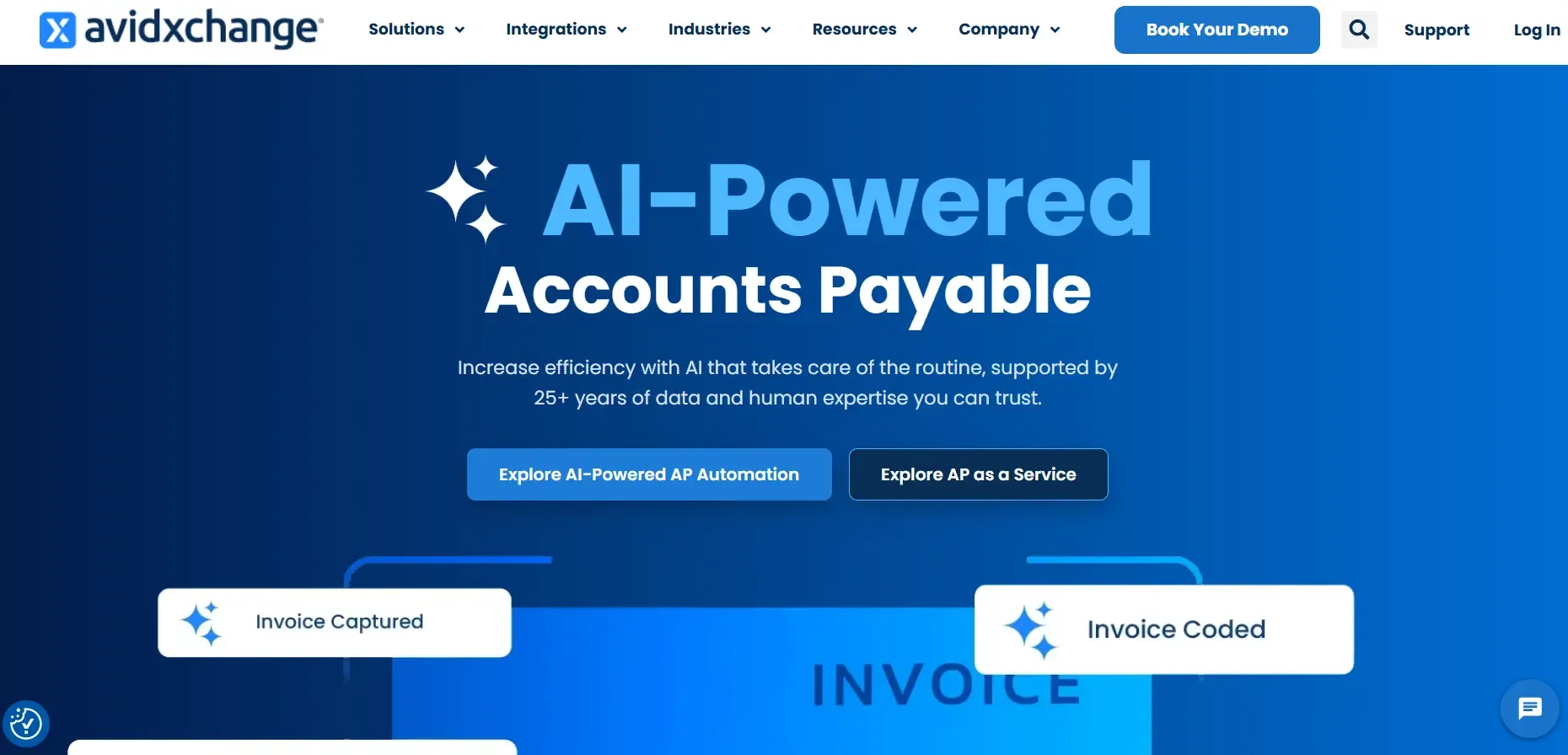
AvidXchange is an accounts payable automation platform focused on automating invoice and payment processes for businesses. The platform belongs to the AP automation category and is intended for organizations that want to move recurring invoice and payment processes from manual workflows into a digital system. AvidXchange is particularly associated with AP processes in industries such as construction, real estate, and financial services
AvidXchange’s Key Features
- Invoice automation: Captures invoice data and automates invoice processing workflows.
- Approval workflows: Routes invoices through configurable approval workflows.
- Payment automation: Automates supplier payments through electronic payment methods.
- ERP integrations: Connects with 200+ accounting system integrations.
- Payment visibility: Provides real-time visibility into invoice approval and payment status.
AvidXchange’s Pricing
Custom
Avidxchange’s Ratings
Category | G2 Rating | Capterra Rating |
|---|---|---|
Overall | ||
Ease of Use | 8.6 | 4.2 |
Quality of Support / Customer Service | 7.8 | 4.0 |
Ease of Admin / Features | 8.1 | — |
Good Partner / Value for Money | 8.4 | 4.2 |
7. Medius
Best For: Mid-sized and enterprise finance teams managing complex AP processes that require invoice automation, controls, and spend visibility.
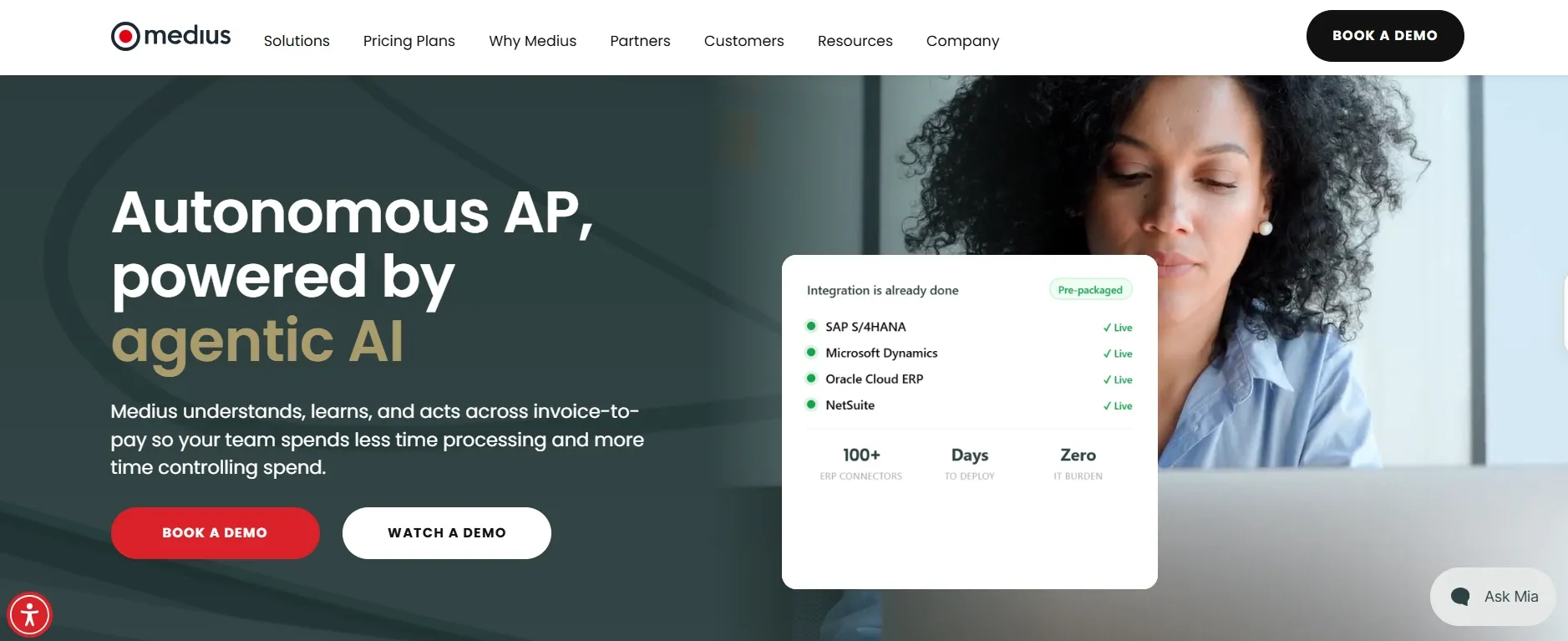
Medius is an accounts payable automation and finance operations platform focused on managing invoice processing and related AP workflows. Medius supports organizations in managing accounts payable processes alongside procurement and financial systems, particularly where invoice volumes and organizational complexity require standardized workflows.
Medius’s Key Features
- Invoice capture: Uses AI, Optical Character Recognition (OCR), and machine learning to extract data from paper and electronic invoices.
- Multi-way matching: Matches invoice details against purchase orders, goods receipts, and contracts.
- Fraud detection: Uses anomaly detection to identify potential duplicate payments and payment risks.
- ERP connectors: Provides pre-packaged, managed connectors for ERP integration.
- Invoice analytics: Provides real-time reports, dashboards, and KPIs for invoice processes.
Medius’ Pricing
Medius offers two AP Automation packages, but does not publish fixed pricing. AP Essentials provides core AP automation for one entity, while AP 360 adds advanced capabilities and supports up to three entities. Additional Medius applications, including Payments, Procurement, and Expense Management, are available at an extra cost.
Medius’s Ratings
Category | G2 Rating | Capterra Rating |
|---|---|---|
Overall | 4.3/5 | 4.3/5 |
Ease of Use | 8.5 | 4.2 |
Quality of Support / Customer Service | 8.4 | 4.7 |
Ease of Admin / Features | 8.0 | 4.4 |
Good Partner / Value for Money | 8.7 | 4.5 |
8. Melio
Best For: Small and midsize businesses that need flexible tools for managing vendor payments, accounts payable, and receivables.
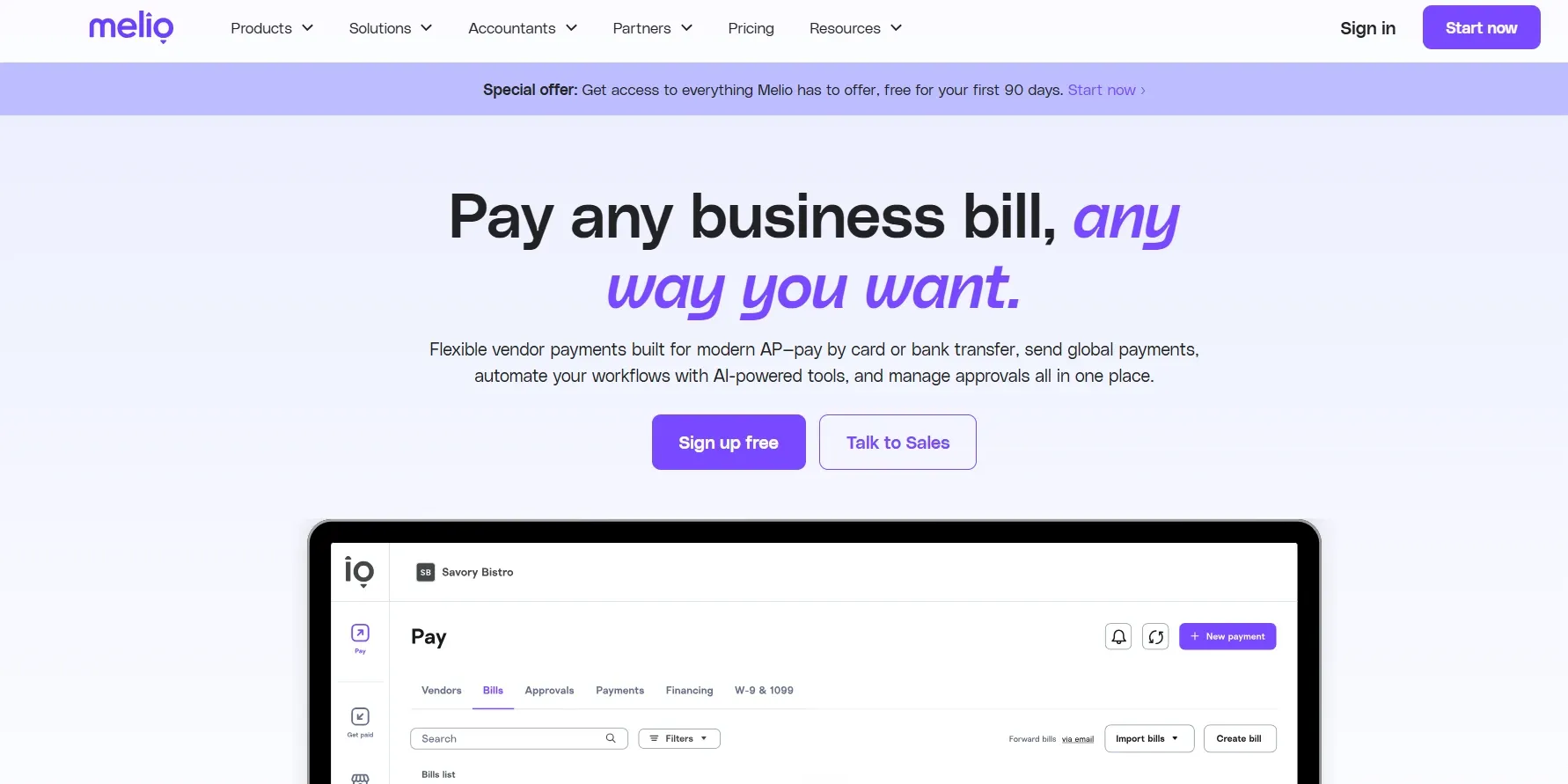
Melio is a business payments platform focused on accounts payable and receivable transactions. It enables businesses to manage payments to vendors and receive payments from customers through digital payment workflows. Melio is intended for small and midsize businesses and their finance or accounting teams that need a centralized way to manage business payment activity and related accounts payable and receivable processes.
Melio’s Key Features
- Bill capture: Uses OCR to extract vendor details, amounts, line items, and due dates from bills.
- Approval workflows: Supports multi-level approvals based on users, roles, payment amounts, and vendors.
- Payment options: Supports ACH, cards, checks, wires, and instant transfers.
- Accounting sync: Automatically syncs payments with QuickBooks, Xero, and NetSuite.
- International payments: Supports vendor payments in USD and local currencies.
Melio’s Pricing
Melio offers five plans:
- Go is free
- Core costs $25/month
- Boost is $55/month
- Unlimited is $80/month after the first 90 days, with additional user fees on Core and Boost
- Platinum uses custom pricing for high-volume businesses
Transaction fees vary by payment method.
Melio’s Ratings
Category | G2 Rating | Capterra Rating |
|---|---|---|
Overall | ||
Ease of Use | 8.8 | 4.4 |
Quality of Support / Customer Service | 8.0 | 4.3 |
Ease of Admin / Features | 8.7 | — |
Good Partner / Value for Money | 8.6 | 4.0 |
9. Yooz
Best For: AP teams looking to automate invoice processing and connect accounts payable workflows with their existing financial systems.
Yooz is an accounts payable automation platform focused on digitizing and managing invoice processing for businesses. It is primarily used by finance and AP teams to manage supplier invoices and standardize accounts payable workflows. The platform is intended for organizations that want to move invoice-related processes from manual or paper-based methods into a centralized digital workflow while connecting AP activity with existing financial and accounting systems.
Yooz’s Key Features
- Invoice capture: Uses AI, machine learning, Robotic Process Automation (RPA), and Big Data for automated data capture.
- GL coding: Automates real-time general ledger coding without prior configuration.
- PO matching: Automatically matches invoice data with purchase orders.
- Approval workflows: Routes invoices for approval or rejection through smart workflows.
- Audit trail: Records interventions and supports document authentication, legal archiving, and timestamps.
Yooz’s Pricing
Yooz offers a 15-day free trial with no commitment. Its Business Edition starts at £129, with subscription pricing based on document-processing volume and unlimited users. Yooz states that pricing is all-inclusive with no hidden costs, and customers can adjust their subscription based on monthly users or invoice volume.
Yooz’s Ratings
Category | G2 Rating | Capterra Rating |
|---|---|---|
Overall | ||
Ease of Use | 9.3 | 4.3 |
Quality of Support / Customer Service | 9.4 | 4.3 |
Ease of Admin / Features | 9.3 | — |
Good Partner / Value for Money | 9.5 | 4.3 |
10. Coupa
Best For: Larger organizations seeking broader spend management across procurement, accounts payable, purchasing, expenses, and supplier processes.

Coupa is a business spend management platform that covers procurement, purchasing, accounts payable, expenses, and other organizational spending processes. Coupa helps organizations that need to manage purchasing and financial processes across multiple departments and connect spending activity with broader business operations.
Coupa’s Key Features
- Procurement: Automates and manages procurement processes within its Business Spend Management platform.
- Invoicing: Supports digital invoice processing and invoice management.
- Accounts payable: Automates AP processes within the broader spend management platform.
- Expense management: Automates expense reporting and provides spend visibility.
- ERP integration: Connects Coupa with existing ERP systems to transfer spend and financial data.
Coupa’s Pricing
Custom
Coupa’s Ratings
Category | G2 Rating | Capterra Rating |
|---|---|---|
Overall | ||
Ease of Use | 9.3 | 4.3 |
Quality of Support / Customer Service | 9.4 | 4.3 |
Ease of Admin / Features | 9.3 | — |
Good Partner / Value for Money | 9.5 | 4.3 |
What Do Users Dislike About BILL?
Some users report challenges when managing more involved approval, PO, vendor, and ERP workflows. The feedback points to specific areas worth testing, including desktop approval visibility, multi-PO invoice handling, NetSuite connectivity, vendor record changes, and coordination between BILL AP/AR and Spend & Expense.
- Approval workflows can be difficult to navigate: Users find BILL’s approval process confusing, particularly on desktop. A User on G2 said it was not always clear whether an approval or payment had processed, while another user described recent AP invoice approvals as difficult to use.
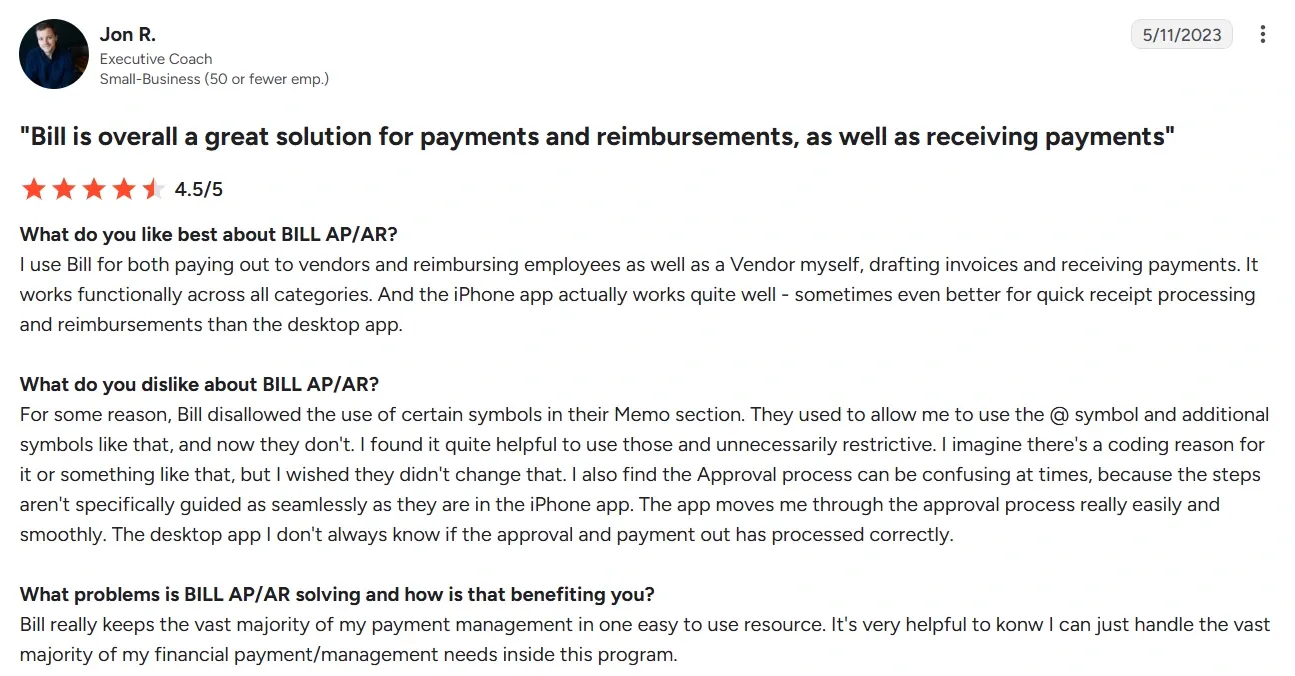
- The interface can take time to learn: Although ease of use is a common BILL capability users like, some users report the opposite experience. A BILL.com user found the interface difficult to understand and said the initial setup took time to figure out.
- Some ERP integrations may need closer evaluation: A user specifically described BILL’s NetSuite integration as lacking, so teams using NetSuite should confirm the required plan and integration behavior before choosing.
- Complex PO workflows may be a limitation: A user reported that BILL did not accommodate multiple purchase orders attached to a single vendor invoice. If your AP process regularly combines multiple POs on one invoice, test it against your actual workflow rather than assuming standard PO matching will cover it.
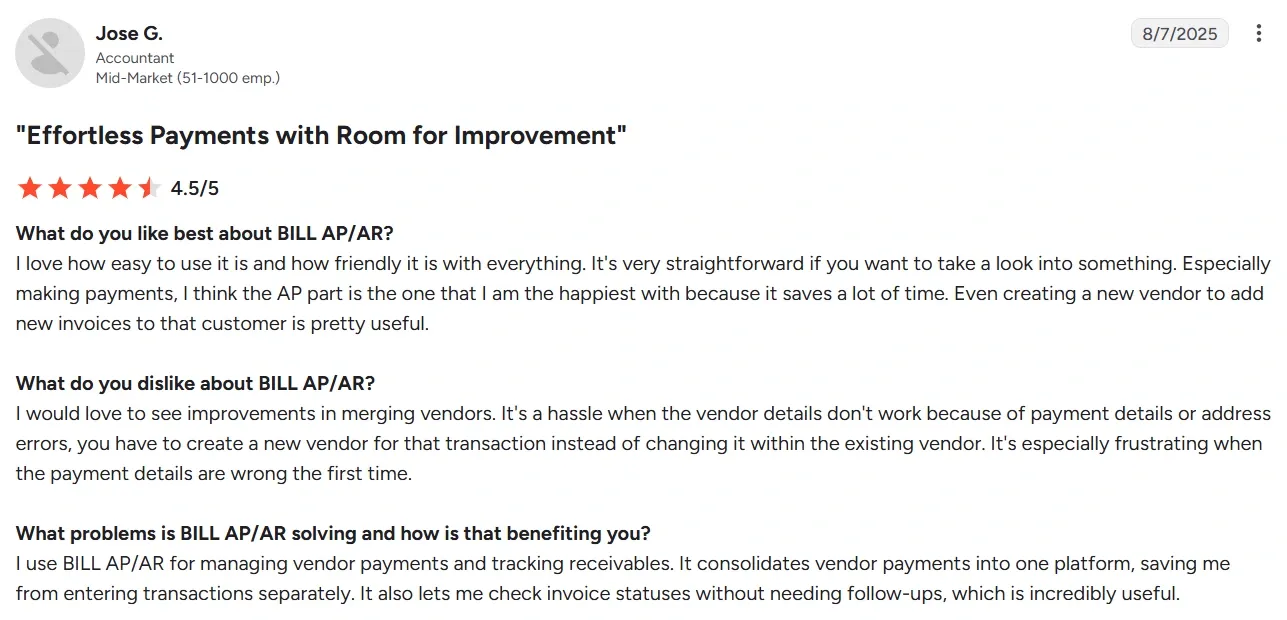
- Vendor management can create extra work: The same user also found that correcting vendor payment or address details could require creating a new vendor instead of updating the existing record. This may matter more for teams that frequently need to correct or maintain vendor records.
Other AP Automation Tools to Consider
The platforms above cover different approaches to accounts payable, payments, procurement, and financial operations. The following tools may also be worth considering based on your ERP environment, workflow requirements, and broader finance needs.
- Airbase: A spend management platform that combines accounts payable, corporate cards, expense management, and procurement workflows.
- MineralTree: An AP automation platform focused on invoice capture, approval workflows, payments, and accounting system integration.
- Corpay: A corporate payments platform that supports accounts payable automation and electronic vendor payments.
- Quadient AP: An AP automation platform that supports invoice capture, workflow automation, approval routing, and payment processing.
- DocuWare: A document management platform that can digitize, store, and automate invoice-related workflows alongside broader document processes.
What Should You Check Before Switching from BILL?
Before setting a cutover date, decide how the handover will work. You need clear ownership for open invoices, historical records, accounting mappings, permissions, vendor changes, and the final validation before live payments move to the new workflow.
The following checklist covers the specific data, accounting, access, vendor, and testing decisions to resolve before setting a cutover date: |
- What happens to open invoices?
Identify which system owns each invoice during the transition and how you will prevent duplicate entry or payment.
- Which records need to move?
Define how you will handle vendor data, invoice images, purchase orders, approval history, and payment records.
- Who validates the accounting mapping?
Have the finance owner test entities, GL accounts, dimensions, tax treatment, and posting behavior.
- How will permissions be recreated?
Confirm approvers, delegates, segregation-of-duties controls, and access to sensitive records.
- What changes for vendors?
Document any changes to vendor onboarding, payment methods, notifications, or bank-detail verification.
- What proves the new workflow is ready?
Agree on acceptance tests, accountable owners, and a fallback plan before processing live payments.
- Who owns the implementation?
Get an implementation plan that clearly assigns responsibility for data migration, testing, and unresolved exceptions.
Which BILL Alternative Fits Your AP Needs
The short comparison and detailed analysis above give you a clearer view of what each platform offers. We categorize BILL alternatives by requirements, scope, workflows, and complexity.
Pick by AP Requirement
- Invoice processing and approvals: Stampli, Medius, or Yooz
- ERP-connected AP and document management: MetaViewer or AvidXchange
- Supplier and international payments: Tipalti or AvidXchange
- AP plus broader spend management: Brex, Ramp, or Coupa
- Business payments and AP/AR: Melio
Pick by Platform Scope
- AP-focused automation: MetaViewer, Stampli, Medius, Yooz, or AvidXchange
- AP plus payment operations: Tipalti, AvidXchange, or Melio
- AP plus spend management: Brex, Ramp, or Coupa
- AP within broader procurement and finance operations: Coupa
Pick by ERP Environment
- Microsoft Dynamics or Acumatica: Evaluate MetaViewer alongside the alternatives that support your specific ERP and version.
- NetSuite or other supported accounting systems: Compare the required invoice, approval, matching, and payment workflows against each platform's integration capabilities.
- Multiple entities or complex ERP workflows: Focus on platforms that support the entities, approval structures, matching requirements, and integrations your process requires.
Pick by Workflow Complexity
- Routine AP with straightforward approvals: BILL, Melio, or other platforms that cover your required invoice and payment workflows.
- PO-heavy invoice processing: Compare matching capabilities, including how each platform handles purchase orders, receipts, exceptions, and multi-PO invoices.
- Document-heavy AP: Evaluate MetaViewer and other platforms based on document capture, storage, search, retrieval, and the connection between supporting documents and ERP transactions.
- Broader procurement and spend requirements: Consider platforms such as Ramp or Coupa where AP needs to operate alongside procurement, expenses, or broader spend management.
How to Choose the Right BILL Competitor
You now have the pricing, ratings, and capability differences across all ten platforms, along with the trade-offs each one carries. The comparison narrows quickly once you weigh it against your own ERP, approval structure, and document requirements.
If your priority is keeping invoice processing, supporting documents, approvals, matching, and ERP transactions connected, evaluate how an ERP-connected platform such as MetaViewer fits your existing environment. A workflow-based evaluation will help you narrow the list based on what your AP team actually needs rather than choosing from features alone.
See how MetaViewer fits your AP workflow. Connect invoice capture, approvals, matching, document management, and ERP posting in one workflow. Request a demo to see how it fits your existing ERP and AP processes.
FAQs
1. Is BILL a document management system?
BILL focuses on accounts payable, accounts receivable, payments, and spend and expense management. Teams that need to store, index, search, and retrieve invoices and supporting documents alongside ERP transactions may need a platform with dedicated document management capabilities.
2. Can you use a BILL alternative without replacing your accounting system?
Yes. Many AP platforms are designed to connect with an existing accounting or ERP system rather than replace it. When evaluating a BILL alternative, check whether it supports your specific ERP, how it synchronizes data, and whether invoices and approvals can flow into the accounting system without creating duplicate records or requiring manual entry.
3. What is the cost of BILL?
BILL’s pricing starts at $49 per user per month, with higher-tier plans and additional payment-related costs depending on usage. The actual cost depends on the number of users, plan, payment volume, and features required. Teams comparing BILL with alternatives should also account for implementation, integrations, and any transaction-based charges when calculating total cost.
4. What is the difference between AP automation and spend management platforms?
AP automation platforms focus on automating invoice processing, approvals, matching, accounting workflows, and payments. Spend management platforms cover a broader range of financial activity, often including procurement, corporate cards, expenses, budgets, and AP.