 Skip to main content
User experience
How Teams Work in MetaViewer
From first login to daily AP workflows — capture, approvals, and ERP posting in one calm workspace built for finance ops.
Intelligent capture → approval workflow → ERP sync
Daily flow
A day in the AP workspace
The same path every invoice follows — designed so clerks move volume and controllers keep visibility.
- 01
Capture
Invoices land from email, PDF, and scan — AI extracts header and line data without rekeying.
- 02
Match & validate
Two- and three-way matching flags exceptions early so clean invoices keep moving.
- 03
Approve
Approvers get a clear inbox with context — amount, vendor, and documents in one place.
- 04
Post to ERP
Approved invoices sync to Dynamics, Acumatica, or MetaConnect with a full audit trail.
Workspace
One screen for the work that matters
Status, exceptions, and posting stay visible — so AP does not live in email threads or spreadsheet trackers.
One workspace
AP, payments, and documents stay connected — not scattered across inboxes and folders.
Built for approvers
Short queues, clear exceptions, and mobile-friendly review when leaders are away from the desk.
Audit-ready by default
Every capture, match, and approval leaves a trail controllers and auditors can trust.
INV-2847 · $12,450
AI invoice recognition
Controller · matched
Workflow routing
Dynamics 365 · posted
ERP integration
Capture → approve → sync to your ERP
In their words
Experiences from the field
Customer stories that show what the MetaViewer experience looks like after go-live.
Insights
Accelerate Your Success
Stay up to date on the latest events, webinars, guides, customer success stories, and more.
8 articles

Yooz Reviews: What Users Say and Top Alternatives

Best AP Automation Software for Manufacturing (2026)
Looking for AP automation software for manufacturing? Compare 7 tools by ERP fit, matching depth, and pricing, built for Dynamics and Acumatica teams
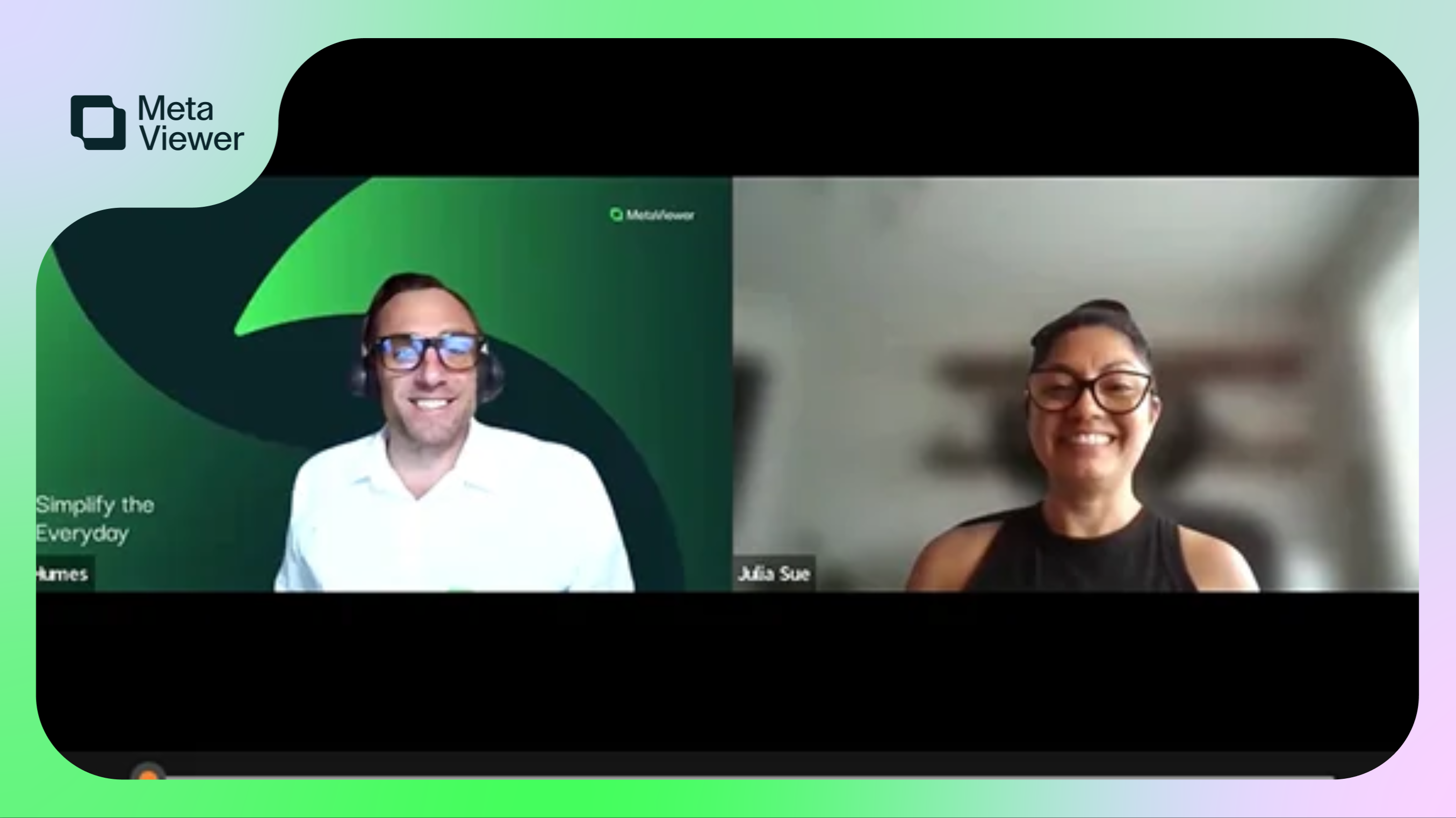
Seeing Clearly Through the Pane: How Quest Window Systems Transformed AP with Automation
When Quest Window Systems faced mounting inefficiencies in their paper-based AP process, Julie Sue stepped in with a bold vision for automation. Discover how MetaViewer helped the team go fully digital, streamline approvals, and boost efficiency — all while navigating the challenges of a sudden shift to remote work.

What Is Wholesale Distribution AP Automation?

Retail Accounts Payable Automation: What It Needs to Handle

Dynamics GP to Business Central Migration: What AP Needs

Dynamics GP to NetSuite Migration: 2026 Decision Guide
Weighing a Dynamics GP to NetSuite migration? See what moves, what it costs, how NetSuite stacks up vs Acumatica and Business Central, and 7 clear steps

Dynamics 365 Explained: The Complete 2026 Guide
Confused by GP, NAV, AX, Business Central, and Finance & Operations? See how the Dynamics 365 ERP family fits together and which apps are ERP or CRM
FAQ
Questions about the experience
What daily work looks like, how fast teams ramp, and how to see the UX live.
AP teams open a single workspace to capture invoices, clear exceptions, route approvals, and post to the ERP — without bouncing between email, spreadsheets, and shared drives.
Next step
See the experience live
A personalized demo shows exactly how your team would work in MetaViewer.
30-minute walkthrough · No obligation